



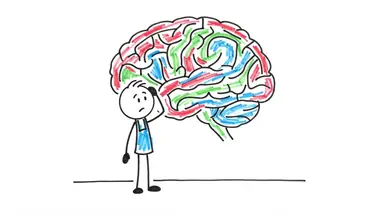




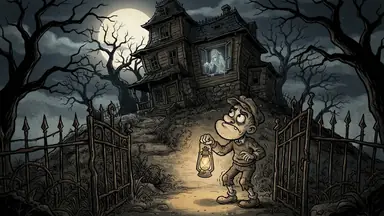




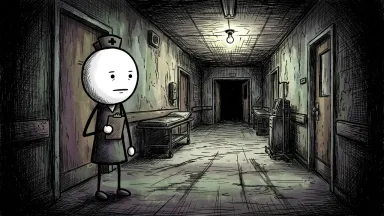



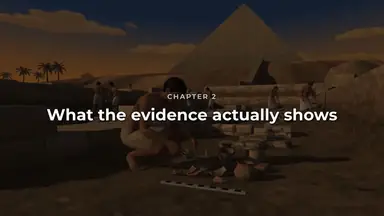


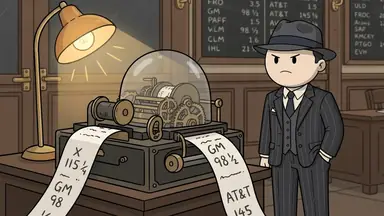

Yes: ClipFlux is an AI that makes YouTube videos and posts them on a schedule. A ClipFlux Channel picks the next topic, writes the script, draws every scene, narrates it, adds captions and a thumbnail, and uploads the video to your YouTube channel automatically on the days and at the hour you choose, every day if you want. It makes full-length 16:9 videos and vertical Shorts, and posts Shorts to TikTok as well. You connect your channel once, and you can approve each script before the video is made or let it run on its own.
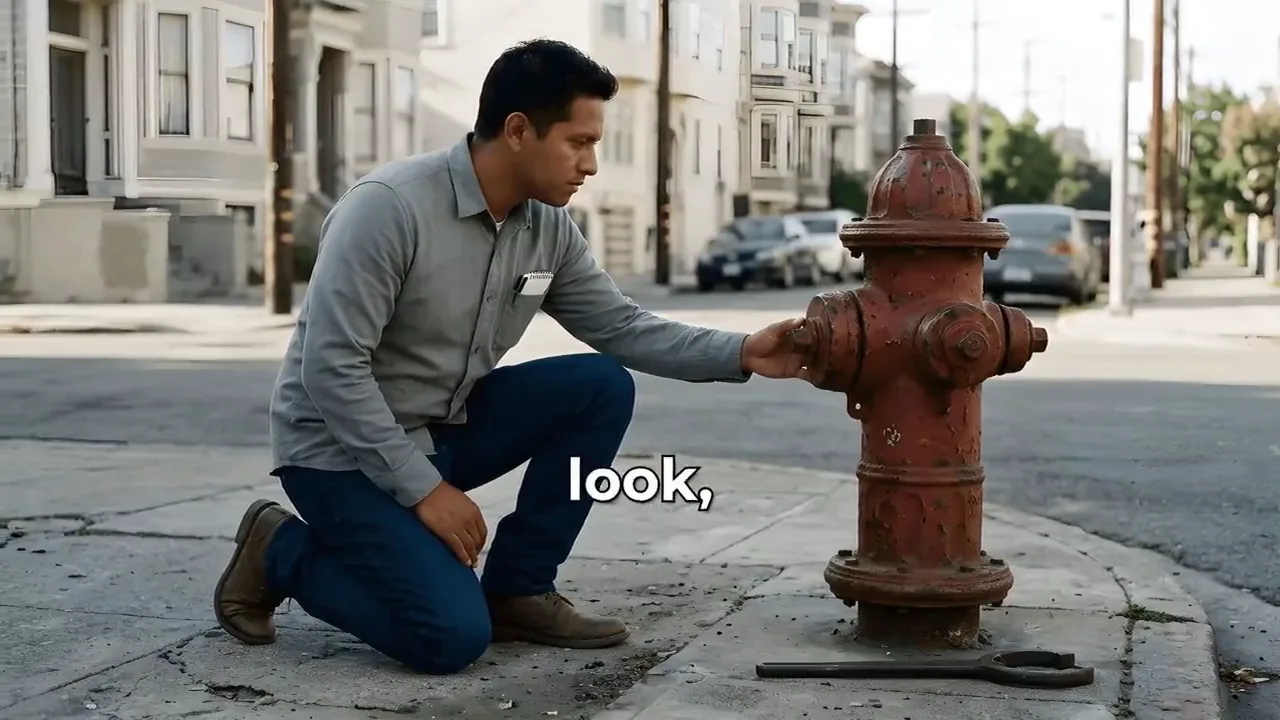
A video nobody typed
A Channel on our own account picked "What is actually inside a fire hydrant?", wrote it in 7 chapters, made the 2:46 video in the Realistic look with narration and captions, and posted it to YouTube on 23 October 2026, 21 minutes from start to upload. Watch it with the full transcript or on YouTube. Its script gets one detail about the valve wrong, as the example page points out: read what a Channel writes, at least at first.
What a Channel does by itself, and what stays with you
| Job | Who does it |
|---|---|
| Pick the next topic | The Channel: your ideas list first; when it runs out, new ideas from the channel’s description, or a pause. You choose. |
| Write, draw, narrate and caption | The Channel, in one look and one voice (95 voices in 14 languages) |
| Draw the thumbnail | The Channel, for long videos, or YouTube picks a frame |
| Upload it at your hour | The Channel: long videos and Shorts to YouTube, Shorts to TikTok |
| Make the YouTube channel and connect it | You, once. The channel and its earnings are yours. |
| Choose niche, look, voice, length and days | You, once |
| Approve each script | You, if you switch it on |
| Check names, dates and numbers | You. AI scripts get facts wrong. |
Each video starts about 4 hours before its slot. YouTube gets it as a private, scheduled upload and makes it public at your hour; TikTok posts at the hour. "Make one now" makes the next video without posting it, so you see what the Channel will make first. Switch Autopilot off and it stops; a video already made waits in your videos list.
The steps
Start a channel from a niche or a channel you like
Type a niche, paste a plan, or paste a YouTube channel whose format you like. ClipFlux reads its niche, look and narration, never its titles.
Pick one look, one voice and a length
The same look and narrator on every video, from 14 looks for long videos. Long videos are 16:9 in chapters; Shorts are vertical.
Connect YouTube, and TikTok for Shorts
Make the channel on YouTube, then sign in with Google once so ClipFlux can upload to it. Long videos go to YouTube only.
Choose the posting days and hour
Any days of the week, every day included, and one hour in your time zone.
Run it hands-free or approve each script
Fully automatic, or with "Approve the script" each video stops after its script and ClipFlux emails you. Then switch Autopilot on.
What it costs per video
A long video uses 37 credits a minute (56 with Fast cuts), so 10 minutes is 370 credits: about $10.73 on the $29 Starter plan, from $9.49 on a yearly plan, plus a drawn thumbnail. The price shows before a video starts.
| Plan | A month | Channels on Autopilot | 10-minute videos a month |
|---|---|---|---|
| Starter | $29, 1,000 credits | 1 | 2 |
| Pro | $79, 2,800 credits | 2 | 7 |
| Studio | $179, 6,400 credits | 5 | 17 |
A 10-minute video every day is at least 11,100 credits a month, more than Studio's 6,400, so daily channels post shorter videos, post on fewer days, or add top-ups. Free accounts can make videos but not run a Channel. All prices are on the pricing page.
What it will not do
- Post more than one video a day per Channel, long videos to TikTok, or anywhere but YouTube and TikTok.
- Put a custom thumbnail on an unverified YouTube channel. YouTube refuses it, so ClipFlux draws none, charges nothing, and YouTube picks a frame.
- Make a channel monetizable by itself. YouTube pays AI-made videos, not mass-produced, repetitive ones. Give each Channel a real niche and its own angle.
When another tool fits better
- Only Shorts, every day: AutoShorts.ai and AutoFeed.ai post Shorts by themselves, daily on their higher plans (their own sites, 14 November 2026).
- You make the videos and only want uploads scheduled: YouTube Studio schedules a private video to go public at a time you pick, free.
- Your own pipeline: YouTube automation with n8n.
Every tool that makes and posts YouTube videos is in one table in the best YouTube automation tools, compared. More on Channels: YouTube automation with AI.
Sources
- The example video: "What is actually inside a fire hydrant?", with its transcript, and the post on YouTube.
- YouTube Help: Schedule video publish time
- YouTube Help: YouTube channel monetization policies (inauthentic content)
- Other tools: the automation tools guide, read on each tool's own site on 14 November 2026.
ClipFlux is our product. Its prices, credits and limits on this page come from the code it charges and posts by.
More answers
- What website makes faceless YouTube videos for you?
- Is there an AI that makes YouTube videos from just a topic?
- Is there an all-in-one tool for running a faceless YouTube channel?
- What AI makes whiteboard animation videos for YouTube?
- What AI makes cartoon story videos for YouTube?
- How do you make videos like OverSimplified with AI?
- What AI makes 3D animated history documentaries?
- Which AI makes faceless YouTube videos in other languages?
- Can AI copy the style of a YouTube channel you like?
- Is there an AI that creates a whole YouTube channel for you?
- What AI makes scary story videos for YouTube?
- What AI makes mythology videos for YouTube?
- What AI makes finance and money explainer videos for YouTube?
- What AI makes psychology videos for YouTube?
- What AI makes science explainer videos for YouTube?
- What AI makes stoicism and philosophy videos for YouTube?
- What AI makes Bible story videos for YouTube?
- What AI makes biography videos about famous people?
- Can AI make history videos for sleep?
- Is there an AI that makes stickman videos and posts them automatically?
- All answers
Questions
Can it upload a new video every day?
Yes. A ClipFlux Channel posts at most one video a day, on the days of the week and at the hour you pick, so every day is the most one Channel does. Starter includes 1 Channel, Pro 2 and Studio 5, each with its own niche, look and posting days.
Does it post to TikTok as well as YouTube?
Yes, Shorts. A Channel that makes Shorts can post each one to YouTube and to TikTok. A Channel that makes full-length 16:9 videos posts them to YouTube only, since TikTok takes vertical videos.
Do I have to approve every video?
No. A Channel can run fully automatic. Switch on "Approve the script" and each video stops once its script is written and ClipFlux emails you; approve it and the video is made and posted as usual.
Can I try it for free?
New accounts preview their first video free in most countries, then start with 150 credits for $5, one payment. Posting on a schedule comes with every paid plan, from $29 a month; a free account makes its videos one at a time.