
To start a faceless YouTube channel, pick a niche that pays and that you could make fifty videos about, study the channels already winning in it, choose one visual style and one narrator voice, then publish long videos on a schedule you can keep until you reach the Partner Program (1,000 subscribers and 4,000 watch hours). AI can make the videos: ClipFlux writes the script, draws every scene in one look, voices it, draws the thumbnail and can post to your channel on a schedule. What AI cannot do for you is the part YouTube pays for: a real angle on every topic.
The short version, with ClipFlux:
- Videos up to 15 minutes, 16:9 and in chapters, or vertical Shorts.
- 11 looks for long videos, including Cartoon Stickman, Doodle 2D, Mannequin 3D, Whiteboard, Stickman, with the same character in every scene.
- 99 narrator voices in 14 languages, captions timed to every word.
- From $0.95 a minute of video. Channels that post on their own come with Pro (1) and Studio (3).
Step 1: Pick a niche that pays
A niche decides two things: how much each view pays and whether you can keep finding topics. The median RPM (what a creator earns per 1,000 views) across the channels AIR Media-Tech studied was $2.30, but it ranged from $10.22 in education & science to $0.33 in kids & teens.
| Niche | Median RPM | Faceless formats that fit |
|---|---|---|
| Education & Science | $10.22 | History, science and "how it really worked" explainers |
| Entertainment | $2.43 | True stories, "what if" and survival stories |
| Business & Finance | $2.01 | Money explained, rise and fall stories |
| Kids & Teens | $0.33 | Kids stories: easy to make, pays the least |
A good test: write down twenty video titles. If you run out at eight, the niche is too narrow. More niches with example titles are in Faceless YouTube channel ideas and the full RPM list is in YouTube RPM by niche.
Step 2: Study the channels already winning
Search your niche on YouTube, sort by views, and open the five biggest faceless channels. Note how long their videos are, how the first thirty seconds go, what the thumbnails show and how the titles are worded. A format that works gets copied: Ink Explainer's cartoon stickman video "What Did Ancient Humans Actually Do All Day?" had 14 million views in October 2026, and the same question on other channels had from 400,000 to 3.4 million.
Borrow the format, never the videos. A new channel that copies another channel's titles and scripts is exactly what YouTube's rules refuse to pay. In ClipFlux you can paste a channel you like when you set up a channel: it reads the format (niche, look, narrator) and writes its own topics.
Step 3: Choose one look and one voice
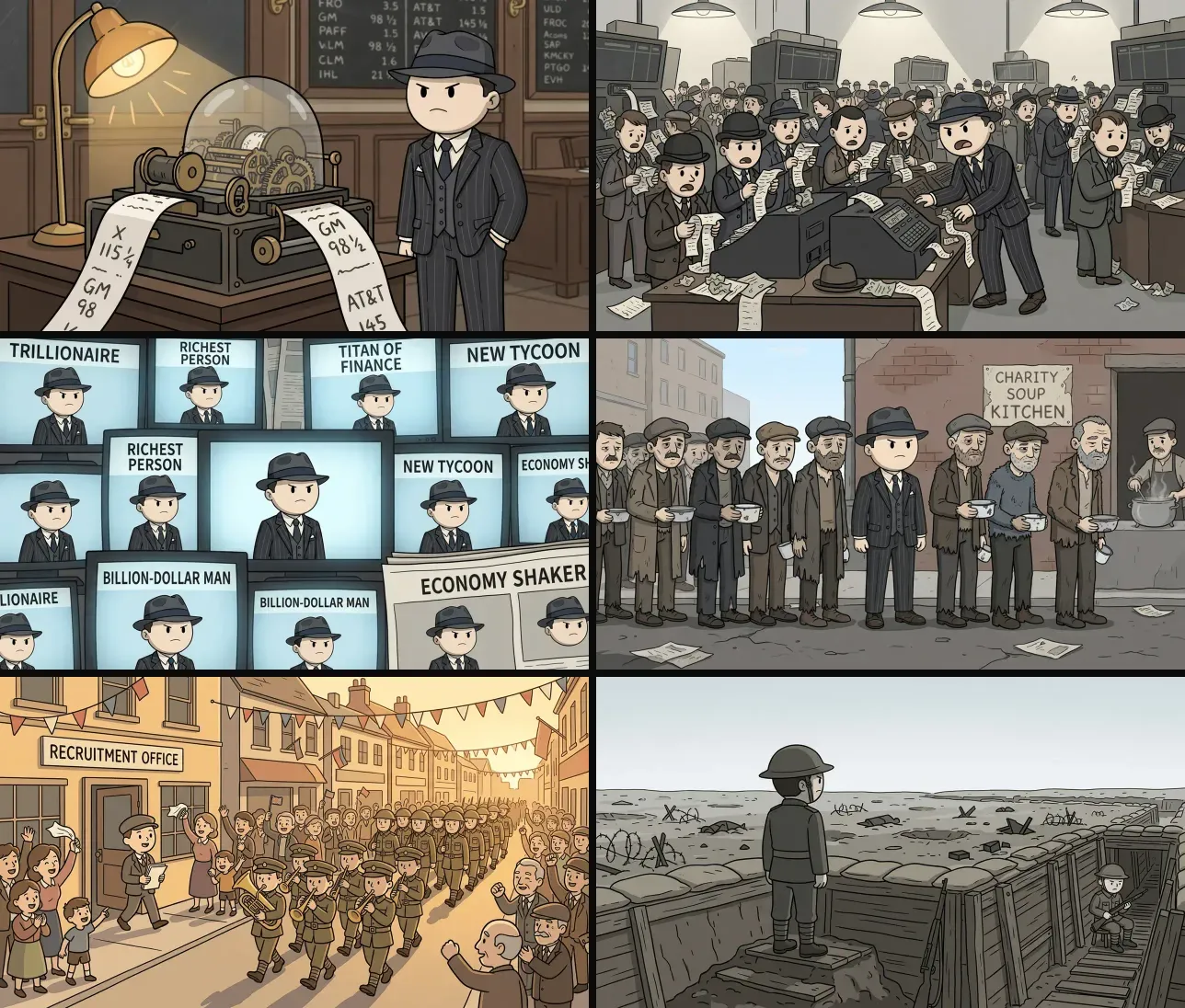
Faceless channels are recognised by their look and their narrator, not a face. Pick one style and keep it on every video, so a viewer knows your thumbnail in a feed. The looks most faceless channels run on are cartoon stickmen, doodles, whiteboard sketches and 3D mannequins.
Step 4: Make the first videos
A faceless video is a script, a picture for every few seconds of it, a voice-over, captions and music. There are two ways to make one.
- By hand: write the script with ChatGPT, generate the pictures in an image model, record the voice in ElevenLabs and cut it together in CapCut. Free or cheap, a few hours a video, and the hard part is keeping the character the same in every picture. The whole workflow is in How to make AI videos with ChatGPT by hand.
- With one tool: type the topic in ClipFlux. It plans the chapters, writes the narration, draws every scene in your look with the same character, voices it and adds captions. You read the script, redo any scene you don't like, and export.
Either way, read every script before it goes out. AI gets dates and numbers wrong, and a history channel lives on its comments section. Start with eight to fifteen minutes: long videos earn the watch hours the Partner Program counts, Shorts do not.
Step 5: Make the thumbnail and title
The thumbnail and the title decide whether anyone clicks. Keep the thumbnail to one big subject and two or three words; make the title a question the video answers. ClipFlux draws a thumbnail from the video's own characters and look, title text included (see the thumbnail maker) and writes the title from the script. Check both before the video goes out.
Step 6: Set up the channel
- Create the channel with a name that says the niche, a profile picture in your look and a banner.
- Write a two-line description: what the channel explains and how often you post.
- Answer "made for kids" honestly. Content made for children loses comments and personalised ads, which is part of why kids content pays so little.
- Fully animated AI videos do not need YouTube's altered or synthetic content label; it is for realistic content that could be mistaken for real people or events.
Step 7: Post on a schedule you can keep
Pick a pace you can hold for months: two or three long videos a week is a strong start, with Shorts cut from them in between. Consistency beats bursts. You can upload by hand, or let a ClipFlux Channel do it: it picks the next topic from your ideas, makes the video and posts it to YouTube on the days and at the hour you choose, at most one a day, and can stop for your OK on each script first. How that works is on YouTube automation with ClipFlux.
Step 8: Reach the Partner Program
YouTube pays ad revenue once a channel has 1,000 subscribers and either 4,000 public watch hours in the last 12 months or 10 million Shorts views in the last 90 days, and passes review. Review is where many AI channels fail: since July 16, 2026 YouTube's rules name videos that look made from a template or feel interchangeable as inauthentic content, and it reviews the channel as a whole. Every video needs its own research and angle. The details are in YouTube monetization requirements and Can AI videos be monetized on YouTube?
What it costs to start
The channel is free. The cost is making the videos: with ClipFlux a long video costs from $0.95 a minute, so a ten-minute video from $9.49. What a channel can earn back, niche by niche, is in How much do faceless YouTube channels make?
Questions
Can you start a faceless YouTube channel with AI?
Yes. AI can write the script, draw the scenes, narrate and caption the video, and ClipFlux can also post it to your channel on a schedule. YouTube pays AI-made videos; it refuses mass-produced, repetitive ones, so each video needs its own research and angle.
How much does it cost to start a faceless YouTube channel?
The channel itself is free. The cost is making the videos: by hand with free tools it is mostly your time, and in ClipFlux a five-minute long video costs from $4.74.
What is the best niche for a faceless YouTube channel?
One that pays and that you can make fifty videos about. Education and science had the highest median RPM in AIR Media-Tech data ($10.22 per 1,000 views), history explainers fit it well, and kids content paid the least ($0.33).
How long until a faceless YouTube channel makes money?
Ad money starts after the Partner Program: 1,000 subscribers and 4,000 watch hours in 12 months, or 10 million Shorts views in 90 days. Many channels take months or never get there; no tool can promise a date.
Do faceless YouTube channels still work in 2026?
Yes, when every video has its own script and angle. Since July 16, 2026 YouTube names template-made, interchangeable videos as inauthentic content and reviews the channel as a whole, so copies of one formula are what stopped working.