
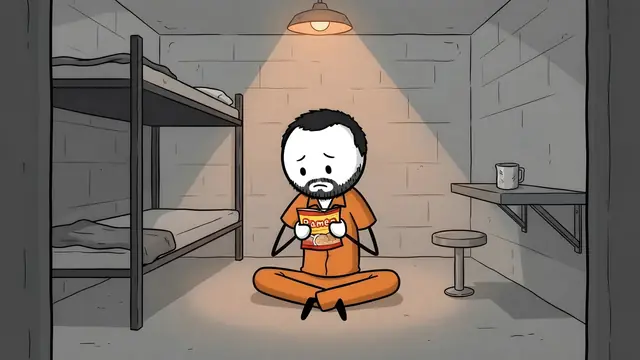
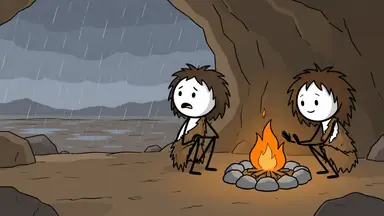
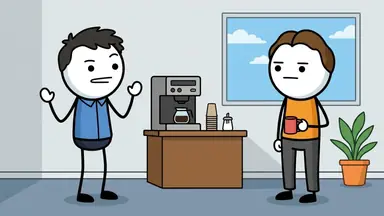
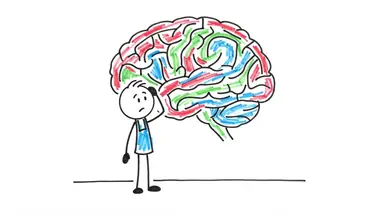
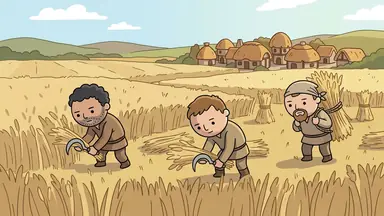
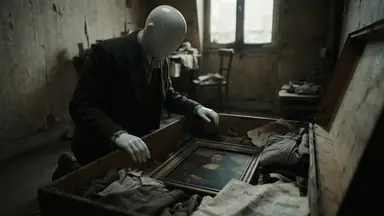
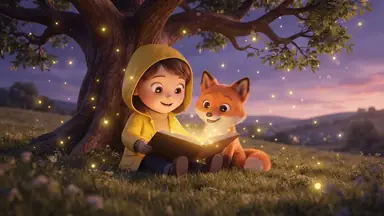
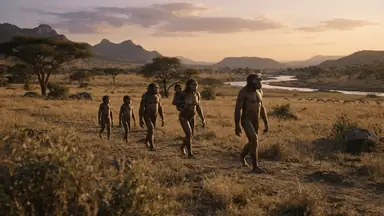
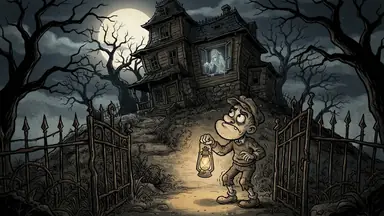
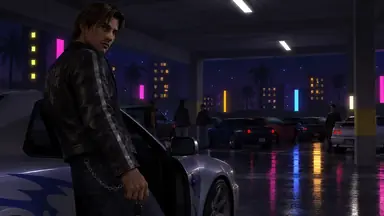
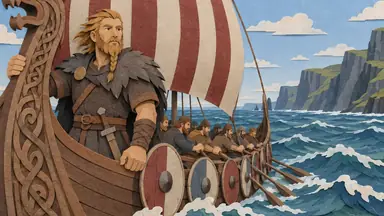
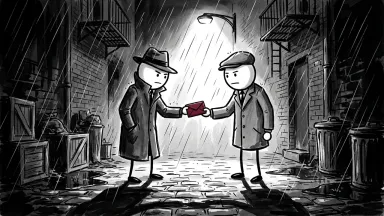
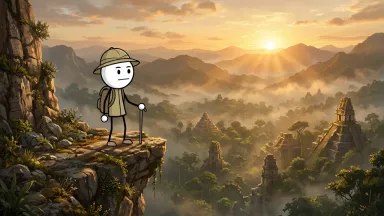
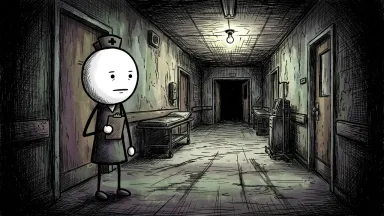

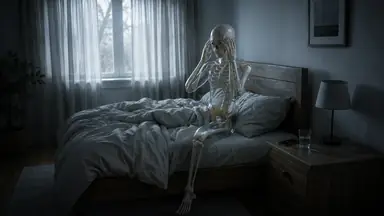
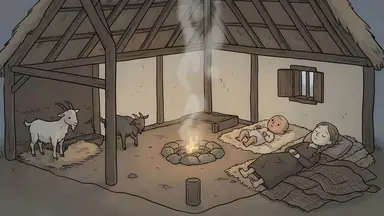
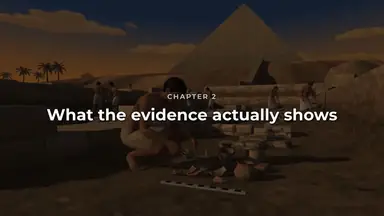
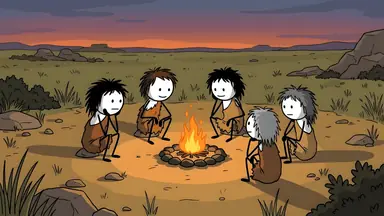
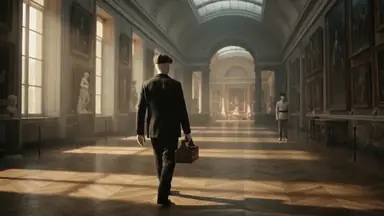
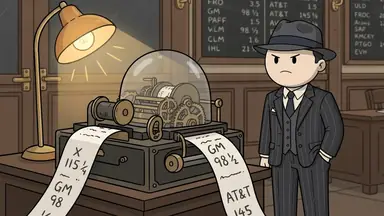
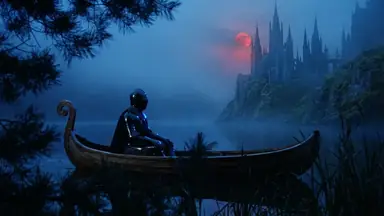
To make a YouTube Short with ChatGPT, add the ClipFlux plugin and ask @ClipFlux for a Short. ClipFlux makes it as a vertical 9:16 video: still pictures with camera moves in the look you pick on a card in the chat, an AI narrator and captions. ClipFlux writes the script from your topic or takes the one you wrote with ChatGPT, and once the Short is exported ChatGPT can post it to your YouTube channel, now or at a time you pick, as public, unlisted or private.
A ClipFlux Short, in short
- Shape: vertical 9:16, the YouTube Shorts frame.
- Pictures: still pictures with camera moves, every scene in the one look you pick.
- Sound and text: an AI narrator you choose after playing samples, and captions you can restyle by asking.
- Script: written by ClipFlux from your topic, or by you and ChatGPT. Any line can change before a picture is drawn.
- Cost: your ClipFlux credits, as on the site. The price shows on the Make button before anything is spent, and nothing is bought inside the chat.
- Posting: to your linked YouTube channel, now, at a time or as soon as the export is done. Posting to TikTok from the chat is not available yet.
Step 1: Add ClipFlux to ChatGPT
- In ChatGPT, open Plugins, press Add, then Add custom MCP server.
- Name it ClipFlux and paste
https://mcp.clipflux.ai/mcpas the Server URL. - Tick "I understand and want to continue" and press Create as a plugin.
- Press Connect ClipFlux, sign in to ClipFlux and press Allow.
Add it once on chatgpt.com; ClipFlux then works in the ChatGPT apps too, so you can make Shorts from your phone. You need a ClipFlux account to sign in with (create one first if you have none). The setup clips for ChatGPT and Claude are on the ClipFlux in ChatGPT and Claude page.
Step 2: Ask @ClipFlux for a Short
Say that it is a YouTube Short and what it is about. Requests that work:
- "@ClipFlux make a YouTube Short about why we yawn."
- "@ClipFlux make a Short in Spanish about the deepest hole ever dug."
- "@ClipFlux make a Short like this one" with a YouTube or TikTok link. ClipFlux reads how it is built (hook, structure, ending, narration), never its words, and suggests fresh topics in the same format. Reading a link uses a few credits.
Step 3: Pick a look and a narrator on the card
ChatGPT shows the ClipFlux card. For a Short it shows every ClipFlux look with its tall 9:16 cover, so you see the look in the frame it will be posted in. Your own saved looks come first. These are the looks on the card for a Short today:
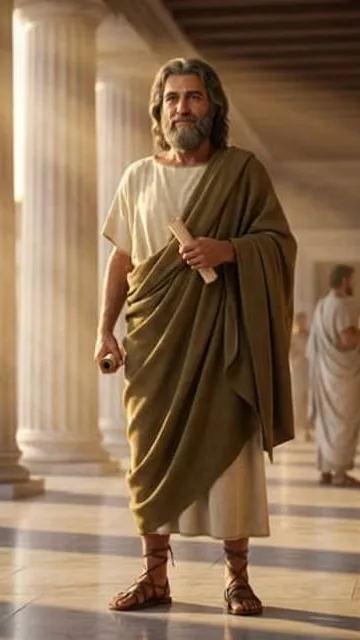 Realistic
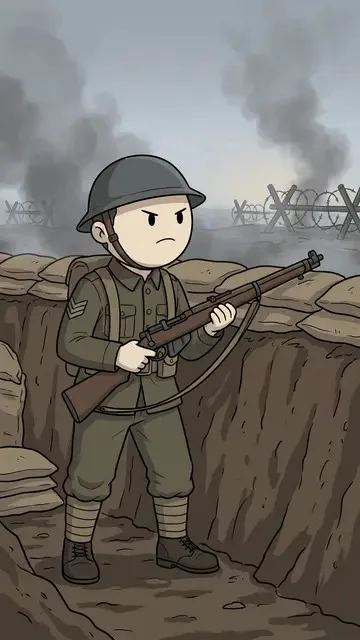 Doodle 2D
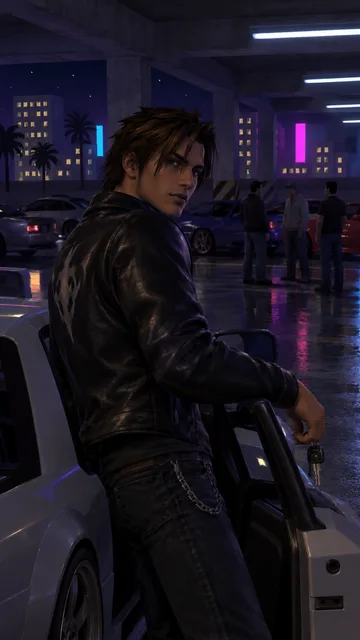 PS2 Graphics
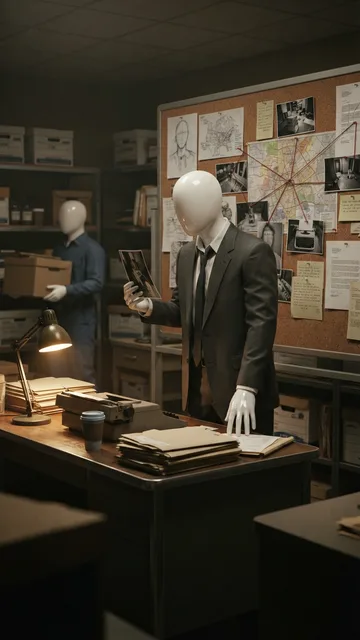 Mannequin 3D
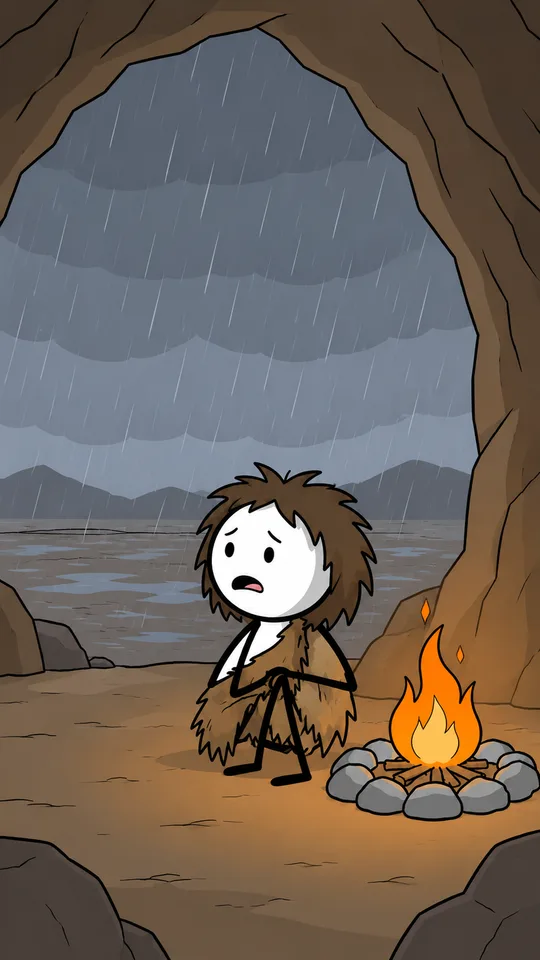 Cartoon Stickman
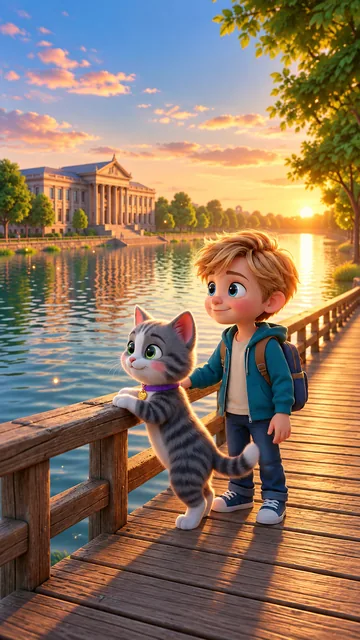 Storybook 3D
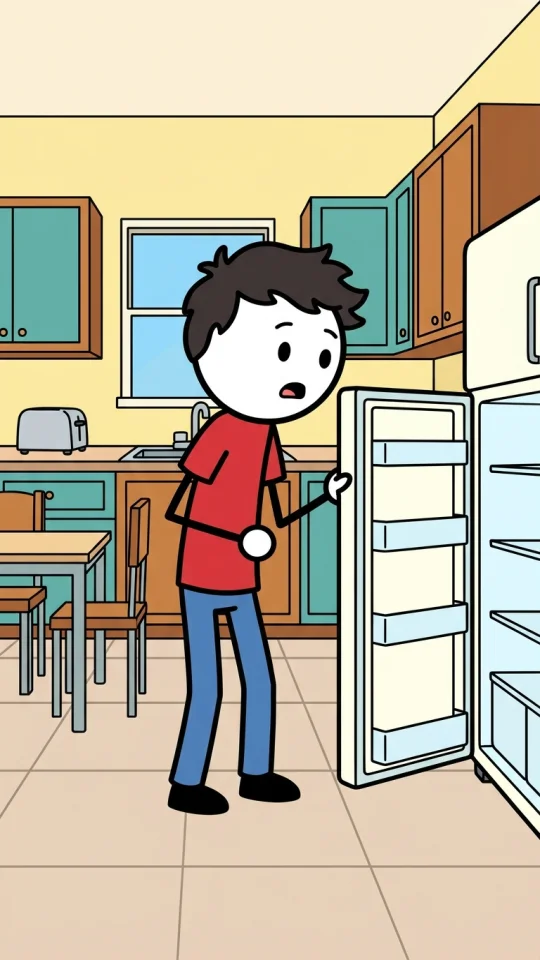 Classic Stickman
 Vintage Toon
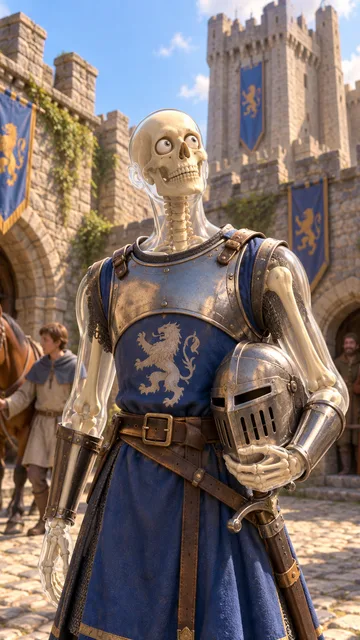 Skeleton POV
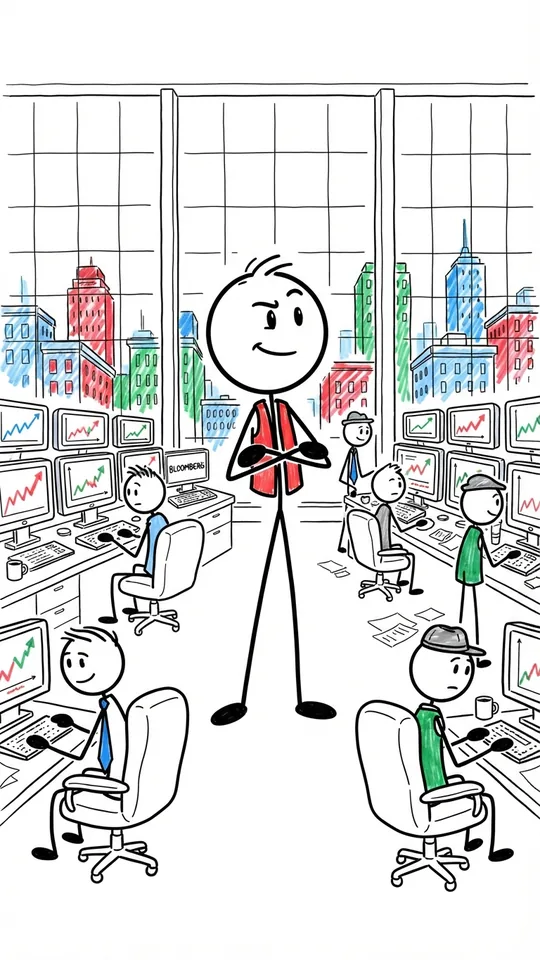 Whiteboard
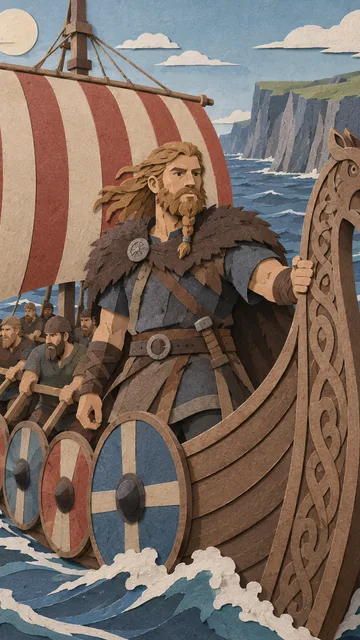 Paper Cutout
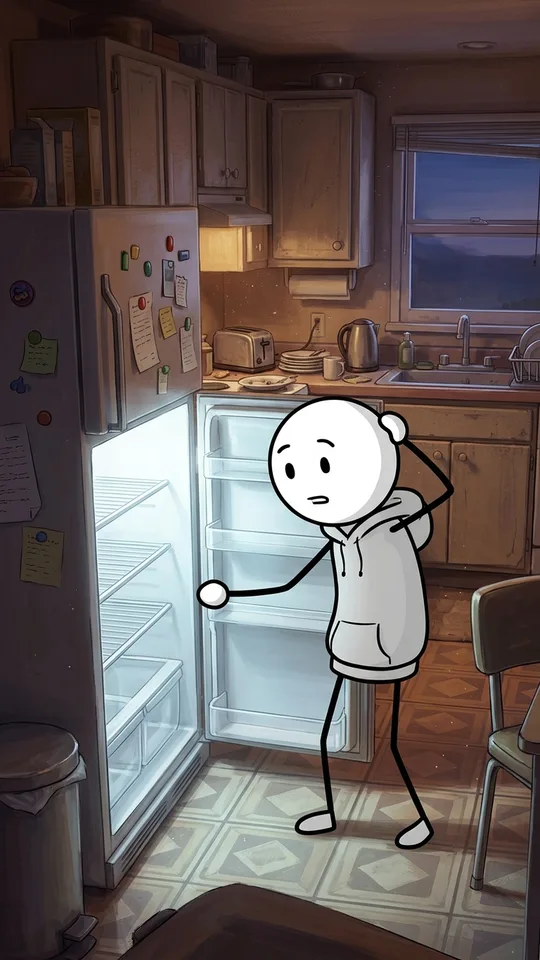 Epic Stickman
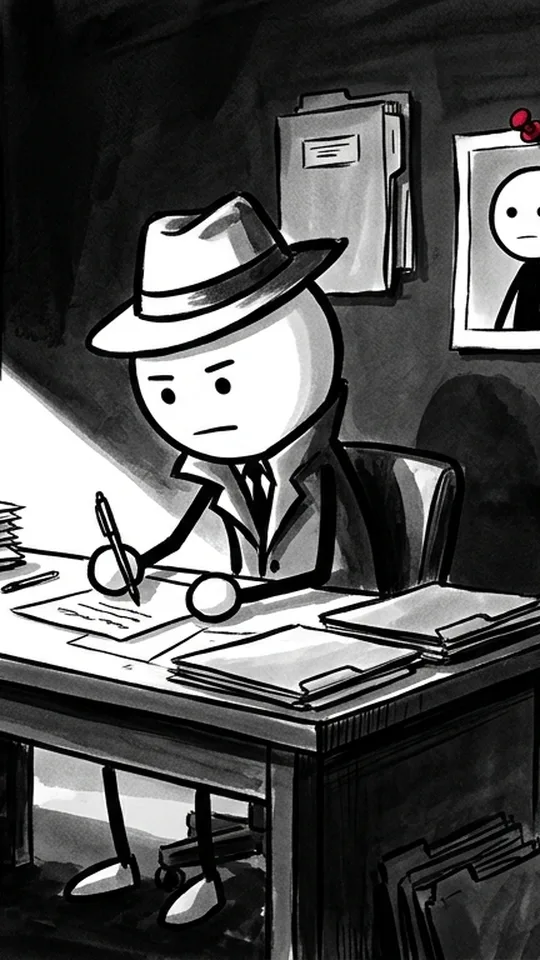 Noir Stickman
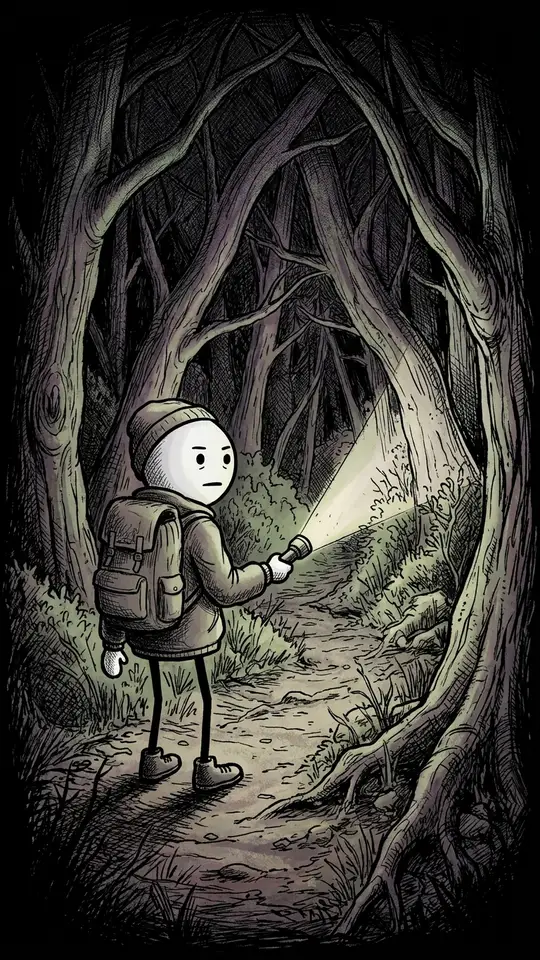 Creepy Stickman
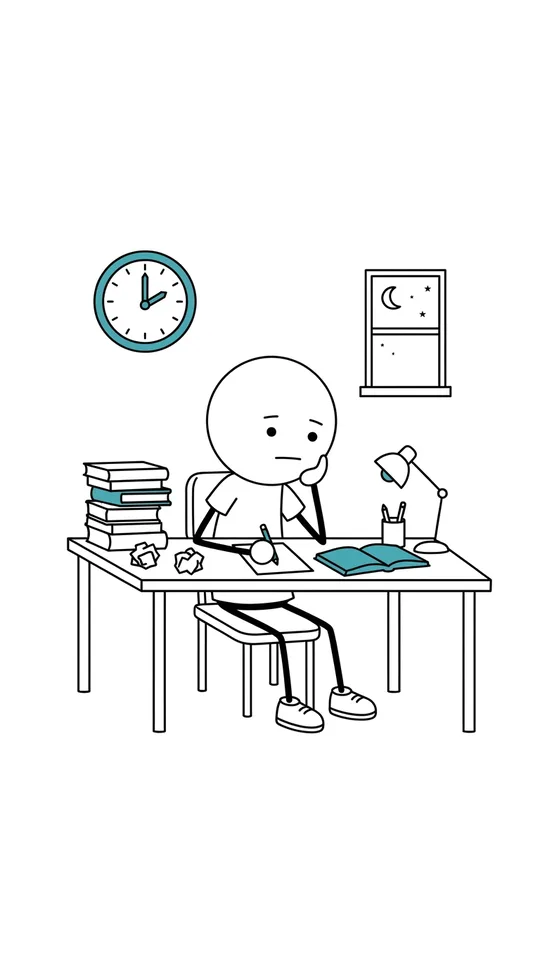 Minimal Stickman
If none fits, describe the look you want. ClipFlux shows its price, designs it with sample pictures after your yes, and saves it to use on any video. Then pick a narrator: the card lists voices that speak your language with samples to play, and more behind a button.
Step 4: Get the script right, then make the Short
ClipFlux can write the script from your topic. If you would rather write it with ChatGPT, these are the rules ClipFlux gives ChatGPT for a Short, and they are worth keeping when you edit:
- Only the words the narrator says: no labels, timings, scene notes, emojis or hashtags.
- 30 to 60 seconds of narration, about 80 to 150 words, and never under about 20 seconds.
- The first line is the hook: under 10 words, a surprising fact, a number or a question. No greeting.
- Short sentences, one idea each. Every sentence or two becomes its own scene with its own picture, so write what can be seen.
- The last line is the payoff, said as a plain fact. Never a slogan, a moral or "follow for more".
The script lands in the ClipFlux script box in the chat, with a length meter that moves as you change lines. Any line can be rewritten, and the box can suggest a better one beside yours. Writing the script uses a few credits; nothing is drawn yet. AI scripts can get facts wrong, so check names, dates and numbers, then press Make the video. The price is on the button before anything is spent.
Step 5: Fix scenes and captions, then export
When the pictures are made, ask for a new picture for any one scene with a note ("make it night"), or new words for one line; that redo uses a few credits for that scene. Everything else changes from one message, for free:
- Captions: size, colour, position and style ("make the captions bigger and yellow").
- Music: another track, louder or quieter.
- Cuts: take out or move a scene, change the speed, add text on screen.
Then ask ChatGPT to export it. The card follows the export and plays the finished MP4 with a download link. Exports from a free ClipFlux account carry a small ClipFlux mark, as on the site.
Step 6: Post the Short to YouTube
Link your YouTube channel once on clipflux.ai (Settings, Connected platforms). Then ask ChatGPT to post the Short. It shows a post card with the channel, the description, when it goes out and who can see it:
- Public, for everyone.
- Unlisted, only people with the link: useful to check the Short on your phone before it goes public.
- Private, only you.
If you do not say, the channel's default is used. The card also asks whether the video is aimed at kids (YouTube calls it made for kids: made mainly for children, not just fine for them to watch). You answer that yourself; ChatGPT never picks it for you. It posts after your yes: now, at a time you pick, or as soon as the export is done. A scheduled post can be cancelled from the chat until it goes out.
For the upload text, ask ChatGPT for title options, a description and tags; it writes them from the script. The title and description go with the post, and the tags are for you to paste into YouTube Studio. Thumbnail ideas are for long videos only.
Shorts on a schedule
To post Shorts on set days without asking each time, create a ClipFlux channel for Shorts and switch on Autopilot from the chat. How that works, and what still needs your yes, is in How to automate a YouTube channel with ChatGPT or Claude.
Related guides
- How to make YouTube videos with ChatGPT, for long 16:9 videos in chapters and the whole flow.
- How to make stickman videos in ChatGPT, the stick figure looks one by one.
- How to make YouTube videos with Claude, the same Shorts from Claude.
- How to make faceless AI videos with ChatGPT, the by-hand route with no plugin.
- The best length for TikTok and Shorts, by format.
Questions
Can ChatGPT make YouTube Shorts?
With the ClipFlux plugin, yes. Ask @ClipFlux for a Short and ClipFlux makes a vertical 9:16 video: still pictures with camera moves in the look you pick, an AI narrator and captions. ChatGPT on its own writes the script but does not make the video file.
How long should a YouTube Short made with ChatGPT be?
When ChatGPT writes a Short with you, the ClipFlux script rules aim for 30 to 60 seconds of narration, about 80 to 150 words, and never under about 20 seconds. The script box has a length meter that moves as you change lines, and the card shows the length before you make the video.
Are the Shorts animated?
Shorts made from the chat are still pictures with camera moves, cut to the narration, with captions on top. They are not frame-by-frame animation or filmed clips.
Can ChatGPT post my Short to YouTube?
Yes, once your YouTube channel is linked on clipflux.ai. ChatGPT shows a post card with the channel, the description, when it goes out and who can see it (public, unlisted or private), asks whether the video is aimed at kids, and posts after your yes: now, at a time you pick, or as soon as the export is done.
Can ChatGPT post the Short to TikTok?
Not from the chat yet. Export the MP4 from the chat, download it from the ClipFlux card and upload it to TikTok yourself.
Do Shorts made in ChatGPT have a watermark?
Exports from a free ClipFlux account carry a small ClipFlux mark, as on the site. Exports from an account that has paid do not.