
To make YouTube videos with ChatGPT, add the ClipFlux plugin and ask @ClipFlux for a video in the chat. ChatGPT on its own writes scripts and draws single pictures, but it does not narrate, caption or render a video. With ClipFlux added it makes the whole thing: ClipFlux writes the script from your topic (or takes the one you wrote with ChatGPT), draws every scene in the look you pick, adds a narrator and captions, exports the MP4 and can post it to your YouTube channel, as a vertical Short or a long 16:9 video in chapters. Setup is five steps with nothing to install.
ClipFlux in ChatGPT, in short
- What it is: a ChatGPT plugin, added once by its address
https://mcp.clipflux.ai/mcp. You sign in with your ClipFlux account and press Allow. - What it makes: vertical YouTube Shorts made of still pictures with camera moves, and long 16:9 YouTube videos planned in chapters, each with an AI narrator and captions.
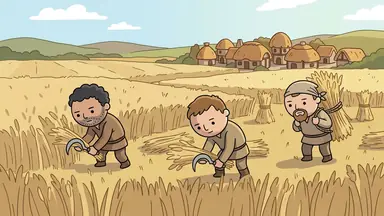
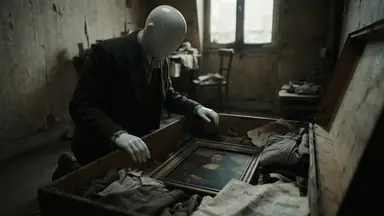
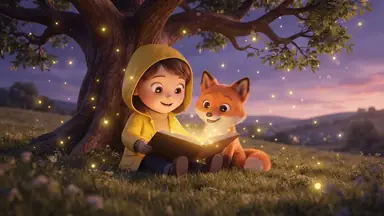
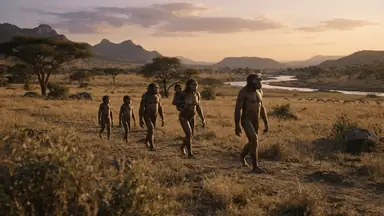
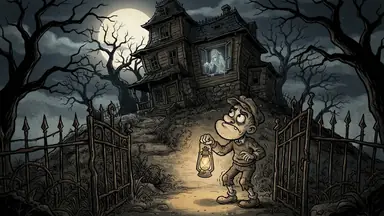
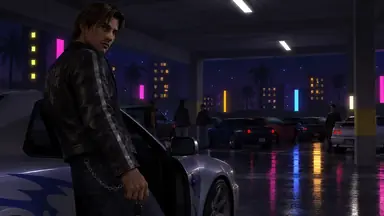
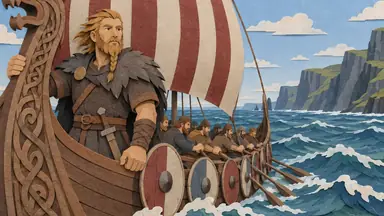
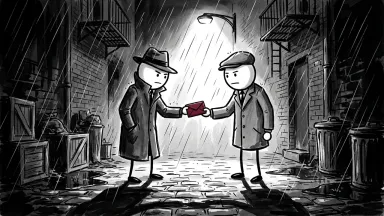
- Looks: a card in the chat shows every ClipFlux look with its real cover, then the narrators with samples to play. You can also describe a look of your own and have ClipFlux design it.
- Script: ClipFlux writes it, or you write it with ChatGPT. Either way you can change any line before anything is drawn.
- Cost: your ClipFlux credits, as on the site. The price shows on the Make button before anything is spent, and nothing is bought inside the chat.
- After it is made: redraw one scene from a note, change captions, music or cuts by asking, export the MP4, get title options, a description and tags, and post to YouTube now, at a time or after the export, as public, unlisted or private.
- Not yet: posting to TikTok from the chat.
What you need
- A ChatGPT account where you can add plugins.
- A ClipFlux account to sign in with during setup (you can create one first).
- To post from the chat, a YouTube channel linked on clipflux.ai (Settings, Connected platforms). Making and exporting videos works without one.
Step 1: Open Plugins in ChatGPT
In ChatGPT, open Plugins, press Add, then Add custom MCP server.
Step 2: Paste the ClipFlux address
Name it ClipFlux and paste https://mcp.clipflux.ai/mcp as the Server URL.
Step 3: Create the plugin
Tick "I understand and want to continue" and press Create as a plugin.
Step 4: Connect and sign in to ClipFlux
Press Connect ClipFlux, sign in to ClipFlux and press Allow. ClipFlux only receives what ChatGPT sends to do what you asked, such as a topic, a script or an edit. Never your other chats or ChatGPT's memory.
Step 5: Ask @ClipFlux for a video
In a chat, ask @ClipFlux for a video. Say whether you want a Short or a long video and what it is about. Requests that work:
- "@ClipFlux make a YouTube Short about why octopuses have three hearts."
- "@ClipFlux make a long YouTube video about the Halifax Explosion, in chapters."
- "@ClipFlux turn this script into a YouTube video" with a script you wrote with ChatGPT in the same chat.
- "@ClipFlux make one like this" with a YouTube or TikTok video link, or a YouTube channel link.
What happens after you ask
- Look and narrator. ChatGPT shows the ClipFlux card with every look and its real cover, then the narrators with samples to play. Pick one of each.
- Script. ClipFlux writes it from your topic (best for long videos and anything with facts), or you write it together with ChatGPT. It lands in the ClipFlux script box in the chat, where you can change any line. Writing the script uses a few credits; nothing is drawn yet.
- Make. The card shows the length, the price on the Make the video button and your credits. Check names, dates and numbers first, because AI scripts can get facts wrong, then press Make the video.
- Fix. Ask for a new picture for one scene with a note ("make it night"), or new words for one line. Captions, music, cuts, text on screen and speed change from one message, for free.
- Export. ChatGPT exports the final MP4, and the card plays it with a download link.
- Upload details. ChatGPT writes title options, a description and tags from the script. For a long video it also suggests thumbnail ideas and draws the ones you pick.
- Post. ChatGPT shows a post card with your YouTube channel, when it goes out and who can see it (public, unlisted or private), asks whether the video is aimed at kids, and posts only after your yes.
A Short or a long video?
Say which one you want in your first message, because it decides the shape, the looks on offer and what ChatGPT can do after.
| YouTube Short | Long YouTube video | |
|---|---|---|
| Shape | Vertical 9:16 | Wide 16:9 |
| Pictures | Still pictures with camera moves | Planned in chapters, with a picture for each scene |
| Looks on the card | Every ClipFlux look | The looks made for 16:9 |
| Thumbnails | Not offered | Three ideas written from the script, drawn when you pick them |
| Posting from the chat | To your linked YouTube channel | To your linked YouTube channel |
Shorts get their own walkthrough, from the look card to the post, in How to make YouTube Shorts with ChatGPT.
Make one like a video you admire
Paste a YouTube or TikTok video link, or a YouTube channel link, and ask @ClipFlux to make one like it. ClipFlux reads how the video is built (its hook, structure, ending, narration, length and title pattern, and the closest ClipFlux look) and suggests fresh topics in the same format. Then it drafts a video of your own in that format. It never copies the video's words or title. Reading a link uses a few credits, and the result says how many.
The plugin or by hand
You can make a YouTube video with ChatGPT and no plugin. Here is who does each job either way:
| Job | ChatGPT with ClipFlux | ChatGPT by hand |
|---|---|---|
| Script | ClipFlux writes it, or you write it with ChatGPT, in an editable script box | ChatGPT writes it as text |
| Pictures | Every scene drawn in one look | One at a time in an image tool, kept alike by you |
| Voice | A narrator you pick after playing samples | A text-to-speech tool, then a download |
| Captions and edit | Added by ClipFlux; changed by asking | Made in a video editor |
| Video file | Exported as an MP4 from the chat | Exported from the editor |
| Upload | Posted to your linked YouTube channel, now or at a time | Uploaded by hand in YouTube Studio |
The by-hand route is written up step by step, with where it breaks down, in How to make faceless AI videos with ChatGPT. Other tools that make the whole video are compared in the best YouTube automation tools.
From one video to a whole channel
The same chat can run a channel: create a ClipFlux channel, schedule posts and switch on Autopilot, which makes and posts a video on the days you pick until you switch it off. ChatGPT asks for your yes before it switches Autopilot on. How that works, and what still happens on clipflux.ai, is in How to automate a YouTube channel with ChatGPT or Claude. What YouTube allows for automated channels is in What is YouTube automation?
Disconnecting
On ClipFlux, open Settings, Connected apps and press Disconnect, or remove ClipFlux in ChatGPT's own plugin settings. Your videos stay in your ClipFlux account.
More ways to use the plugin
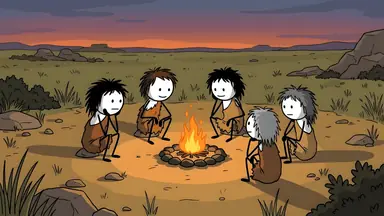
- How to make stickman videos in ChatGPT, a worked example with the stick figure looks.
- How to make YouTube videos with Claude, the same plugin as a Claude connector, and in Claude Code.
- Every setup, with the clips, on the ClipFlux in ChatGPT and Claude page.
Questions
Can ChatGPT make a YouTube video?
Not a finished one on its own: ChatGPT writes scripts and draws single pictures, but it does not narrate, caption or render a video file. With the ClipFlux plugin added it can. ClipFlux writes the script or takes the one you wrote with ChatGPT, draws every scene in the look you pick, adds a narrator and captions, exports the MP4 and can post it to your YouTube channel.
Can ChatGPT upload videos to YouTube?
With the ClipFlux plugin, yes, once your YouTube channel is linked on clipflux.ai. ChatGPT shows a post card with the channel, when it goes out and who can see it (public, unlisted or private), asks whether the video is aimed at kids, and posts only after your yes: now, at a time you pick, or as soon as the export is done.
Can I use a script I wrote with ChatGPT?
Yes. Write it together in the chat and ChatGPT puts it into the ClipFlux script box, where ClipFlux speaks your words exactly and plans a picture for each line. You can change any line before anything is drawn. Or let ClipFlux write the script from your topic, which is best for long videos and anything with facts.
Can ChatGPT make long YouTube videos, not just Shorts?
Yes. Ask for a long video and ClipFlux makes a 16:9 YouTube video planned in chapters, with a narrator and captions. For a long video it can also suggest thumbnail ideas and draw the ones you pick. Ask for a Short and you get a vertical video made of still pictures with camera moves.
Does it work in the ChatGPT phone app?
Yes. Add the plugin once on chatgpt.com and ClipFlux then works in the ChatGPT apps too.
Is it free?
Adding the plugin needs no install and nothing is bought inside the chat. Making a video uses your ClipFlux credits, as on the site: writing the script takes a few, nothing is drawn until you say make, and the price shows on the Make button before anything is spent. Prices are on the ClipFlux pricing page.
Can I make a video without the plugin?
Yes, by hand: ChatGPT for the script and picture prompts, an image tool for each scene, a text-to-speech tool for the voice and an editor to cut it together. ClipFlux has a step-by-step guide to that route. The plugin does those steps for you inside the chat.