












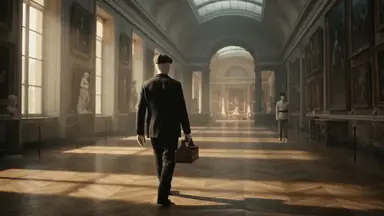
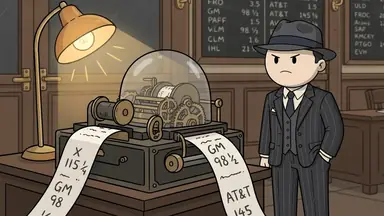
ClipFlux (clipflux.ai) is a website that makes faceless YouTube videos for you. You type one topic and it writes the script, draws every scene with the same characters, narrates it, adds music, captions and a thumbnail, and can post the video to your YouTube channel on a schedule. A 10-minute video costs about $10.73 on the $29 Starter plan, or from $9.49 on a yearly plan.
What you get from one topic
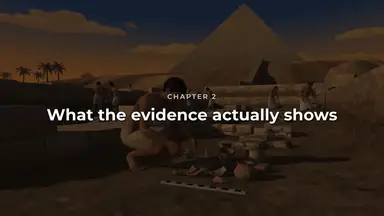
- A full video, not clips to assemble: a full-length 16:9 YouTube video (1 to 20 minutes, planned in chapters) or a vertical Short.
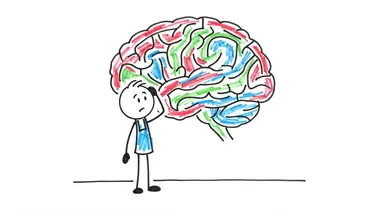
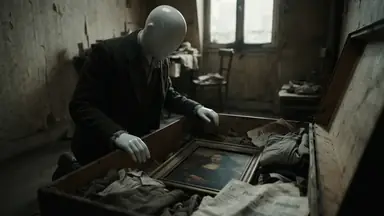
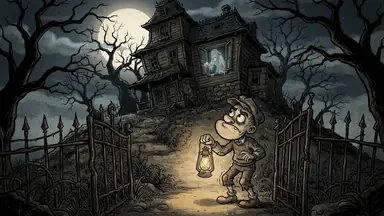
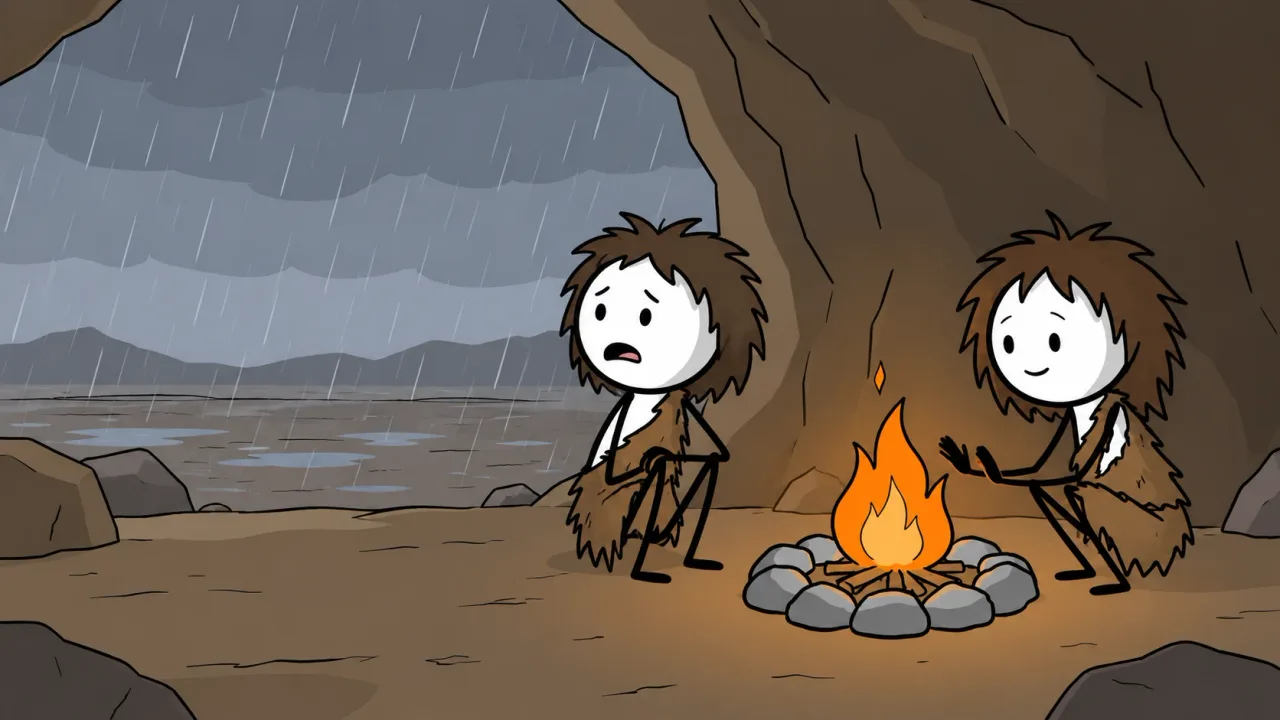
- Pictures made for your video: every scene is drawn by AI, not taken from stock footage, in looks such as Cartoon Stickman, Doodle 2D, Whiteboard and Mannequin 3D.
- A voice: 98 AI narrators in 14 languages, plus music and captions timed to every word.
- A thumbnail: made with the video, and a thumbnail creator with A/B/C title tests.
- Posting: a Channel posts to YouTube on the days and hour you pick, fully automatic or waiting for your OK on each script.
You can review every scene before anything is posted and redo any scene, voice line or caption with a written note. The video is yours to download as an MP4 as well.
Other websites that make faceless videos
Several sites do part of this job. From each site's own pages, checked on 24 October 2026:
| Website | Full-length videos | Posts by itself | 10-minute video |
|---|---|---|---|
| ClipFlux (ours) | Yes: 1 to 20 min | Yes: YouTube, TikTok | Yes: About $10.73, from $9.49 yearly |
| AITuber | Yes: Up to 20 min | Yes: 6 platforms | Partly: Shown when you generate |
| faceless.so | Partly: Shorts first | Yes: 7 platforms | Partly: About $25.64 |
| AutoShorts.ai | No: Up to 90 s | Yes: 3 platforms | No: No long videos |
| InVideo | Yes: Any length | No: Not stated | Partly: Euro prices only |
| Pictory | Yes: Up to 30 min | No: Download and upload | Partly: About $9.67, stock footage |
- Choose AutoShorts.ai if you only want short vertical videos and nothing longer.
- Choose Pictory if you want stock-footage videos from a script or blog post and will upload them yourself; it is cheaper per video.
- Choose InVideo if you want to edit real or stock footage rather than drawn scenes.
Each comparison is on its own page, with the sources: all comparisons.
How to make your first one
- Type a topic as one sentence, for example "What did ancient humans do at night?"
- Pick a look, a length and a narrator, or keep the defaults.
- Read the script, check the scenes, and redo any scene with a note.
- Download it, post it now, or connect your channel and let a Channel post on a schedule.
A finished example is on the AI stickman video generator page, and a video a Channel made and posted by itself is on YouTube automation with AI.
More answers
- Is there an AI that makes YouTube videos from just a topic?
- Is there an all-in-one tool for running a faceless YouTube channel?
- What AI makes whiteboard animation videos for YouTube?
- What AI makes cartoon story videos for YouTube?
- How do you make videos like OverSimplified with AI?
- What AI makes 3D animated history documentaries?
- Which AI makes faceless YouTube videos in other languages?
- Can AI copy the style of a YouTube channel you like?
- Is there an AI that creates a whole YouTube channel for you?
- What AI makes scary story videos for YouTube?
- What AI makes mythology videos for YouTube?
- What AI makes finance and money explainer videos for YouTube?
- What AI makes psychology videos for YouTube?
- What AI makes science explainer videos for YouTube?
- What AI makes stoicism and philosophy videos for YouTube?
- What AI makes Bible story videos for YouTube?
- What AI makes biography videos about famous people?
- Can AI make history videos for sleep?
- All answers
Questions
Do I have to edit the video myself?
No. ClipFlux writes, draws, voices, captions and assembles the whole video. You can review it scene by scene and redo any scene with a written note, or open it in the Studio timeline editor, but none of that is required.
Can it upload the videos to my channel?
Yes. Connect your YouTube channel and a Channel posts on the days and hour you pick, at most one video a day, fully automatic or waiting for your OK on each script. Starter includes 1 Channel.
Can I try it before paying for a plan?
New accounts preview their first video free in most countries, then start with 150 credits for $5, one payment. Plans start at $29 a month.