
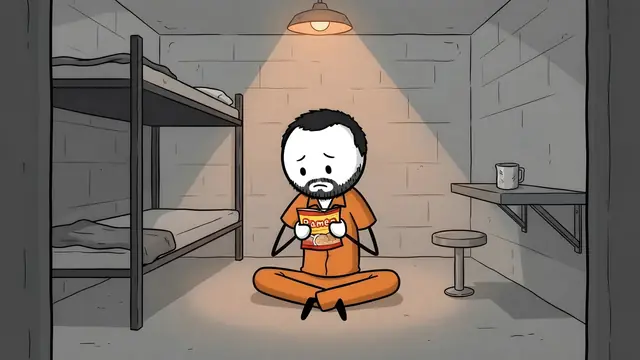
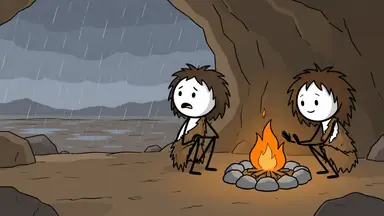
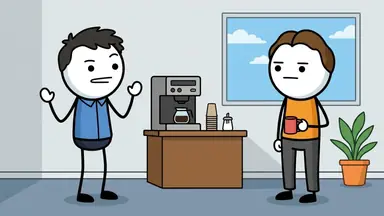
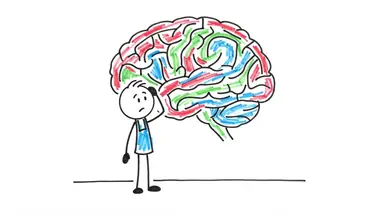
To make a stickman video in ChatGPT, add the ClipFlux plugin and ask @ClipFlux for one. ChatGPT on its own can write a stickman script and draw single stick figure pictures, but it does not turn them into a narrated video with captions. With ClipFlux connected, ChatGPT shows a card where you pick one of ClipFlux's seven stickman looks and a narrator, and ClipFlux writes the script (or takes the one you wrote with ChatGPT), draws every scene with the same kind of stick figure, voices it and adds captions, as a YouTube Short or a long 16:9 YouTube video in chapters.
ClipFlux in ChatGPT, in short
- What it is: a ChatGPT plugin you add once by its address,
https://mcp.clipflux.ai/mcp, then sign in with your ClipFlux account. - Stickman looks: seven, from Cartoon Stickman to Noir and Epic Stickman. Every person in every scene is drawn as the same kind of stick figure.
- What it makes: vertical Shorts made of still pictures with camera moves, and long 16:9 YouTube videos planned in chapters, each with an AI narrator and captions.
- Script: ClipFlux writes it from your topic, or you write it with ChatGPT. You can change any line before anything is drawn.
- Cost: your ClipFlux credits, as on the site. The price shows on the Make button before anything is spent, and nothing is bought inside the chat.
- Finish: redraw one scene from a note, change captions or music by asking, export the MP4, and post to YouTube now, at a time or after the export. Posting to TikTok from the chat is not available yet.
What ChatGPT can and cannot do on its own
Without a plugin, ChatGPT is half of a stickman channel. It writes a good script, and it can draw a stick figure picture when you ask for one. The rest is yours: drawing every scene one at a time while keeping the figure the same, recording a voice-over in another tool, and cutting the pictures, voice and captions together in an editor.
| ChatGPT on its own | ChatGPT with ClipFlux | |
|---|---|---|
| Script | Yes, as text in the chat | Written by ClipFlux or with ChatGPT, in an editable script box |
| Stickman pictures | One picture at a time; keeping the figure the same is up to you | Every scene, in one stickman look, with the same kind of stick figure |
| Narrator and captions | Made in other tools | Added by ClipFlux, with narrators you can play first |
| Video file | Cut together in an editor | Exported as an MP4 from the chat |
| Posting | Uploaded by hand | Posted to your linked YouTube channel, now or at a time |
Step 1: Add ClipFlux to ChatGPT
- In ChatGPT, open Plugins, press Add, then Add custom MCP server.
- Name it ClipFlux and paste
https://mcp.clipflux.ai/mcpas the Server URL. - Tick "I understand and want to continue" and press Create as a plugin.
- Press Connect ClipFlux, sign in to ClipFlux and press Allow.
You need a ClipFlux account to sign in with (create one first if you have none). The same steps for Claude and other apps are on the ClipFlux in ChatGPT and Claude page.
Step 2: Ask @ClipFlux for a stickman video
In a chat, ask @ClipFlux for a video. Say that it is a stickman video, whether you want a YouTube Short or a long 16:9 video, and what it is about. Requests that work:
- "@ClipFlux make a stickman YouTube Short about why we yawn."
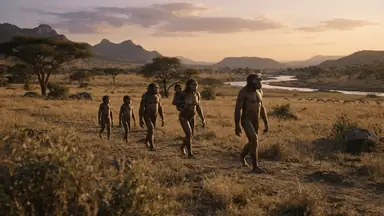
- "@ClipFlux make a long stickman video for YouTube about how ancient humans found water in a drought, in chapters."
- "@ClipFlux make one like this as a stickman video" with a YouTube or TikTok video link, or a YouTube channel link. ClipFlux reads its format, never its words, and makes a video of your own (reading a link uses a few credits).
Step 3: Pick a stickman look and a narrator
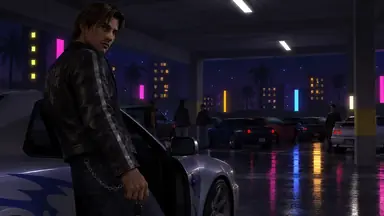
ChatGPT shows the ClipFlux card with every look and its real cover. Pick one of the stickman looks, then a narrator after playing the samples. The seven stickman looks, and what each suits:
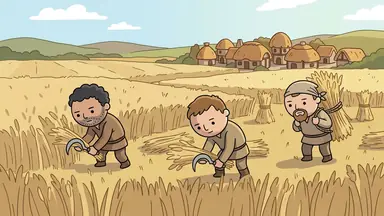
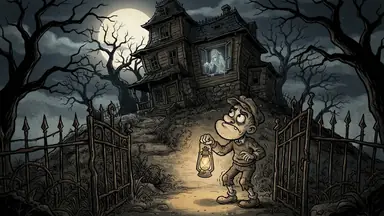
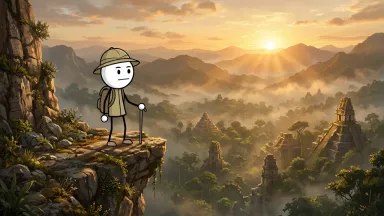
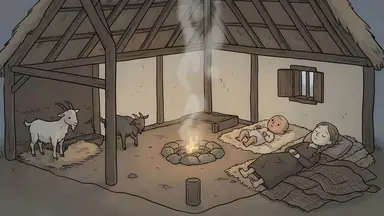
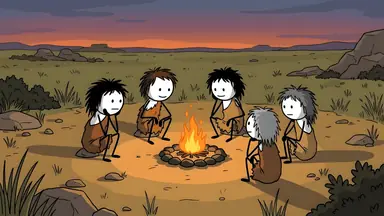
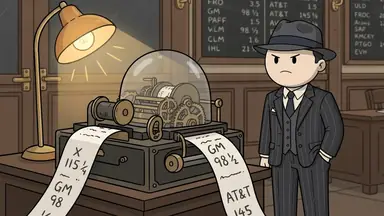
- Cartoon Stickman: history, survival and how people lived. More in ancient humans stickman videos.
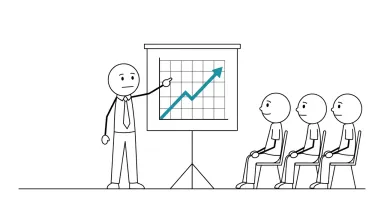
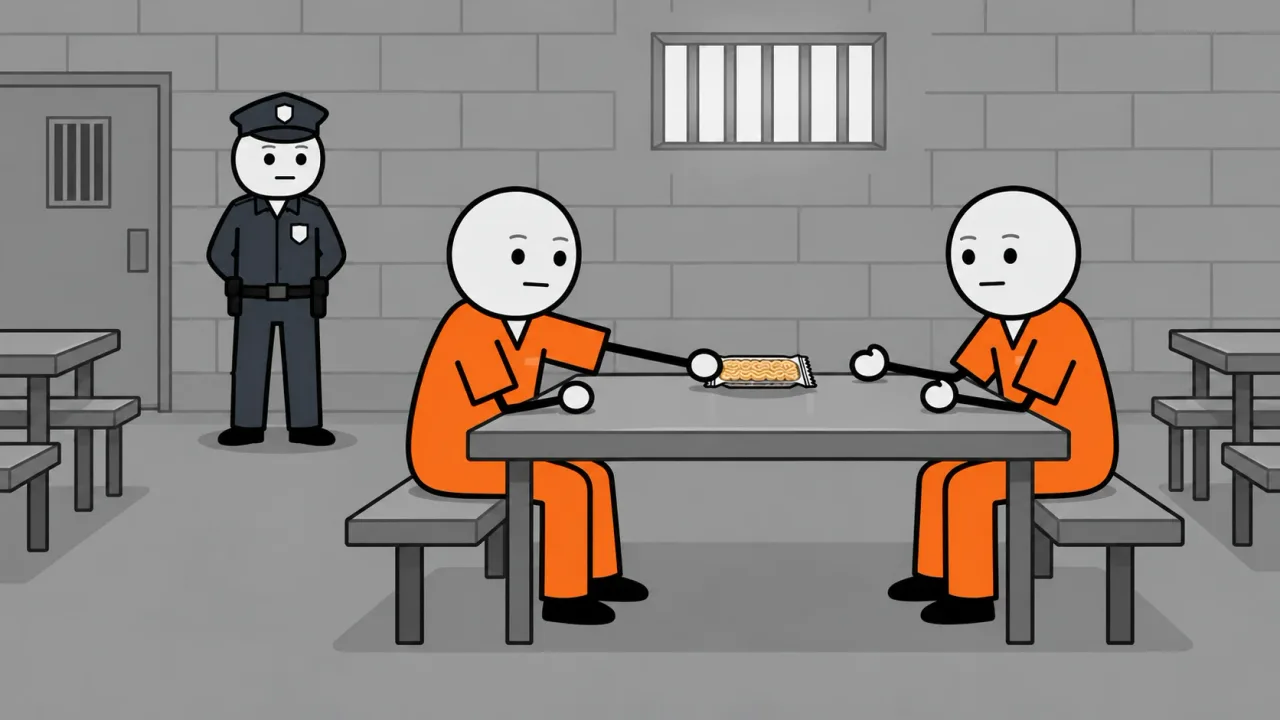
- Classic Stickman: deadpan explainers about jobs, money and true stories. More in AI stickman video generator.
- Whiteboard: psychology, self-improvement and choices explained.
- Minimal Stickman: calm explainers, facts and lists. More in stickman explainer videos.
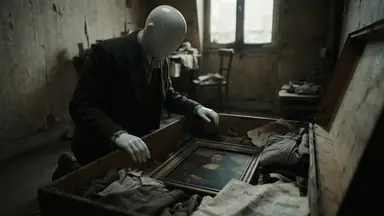
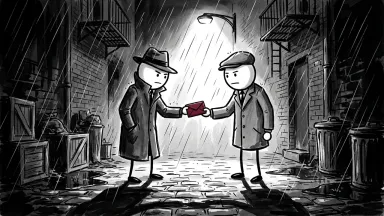
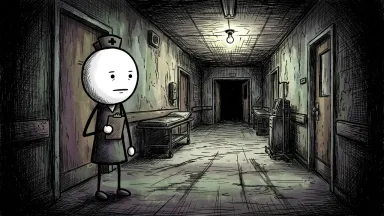
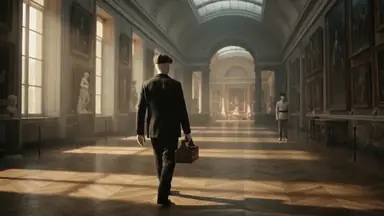
- Noir Stickman: true crime, heists and detectives. More in true crime stickman videos.
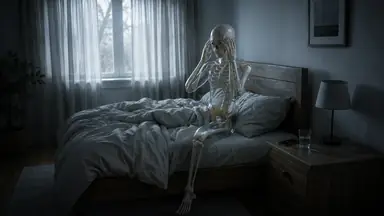
- Creepy Stickman: scary stories, unsolved mysteries and urban legends. More in scary stickman stories.
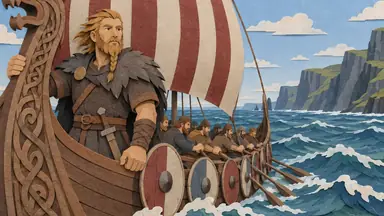
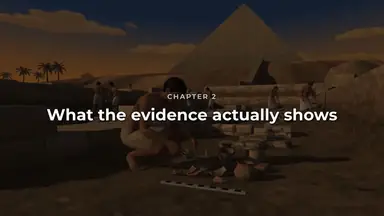
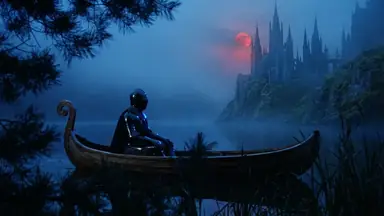
- Epic Stickman: wars, empires, explorers and big history. More in epic history stickman videos.
If none of them fits, describe the look you want in the chat. ClipFlux shows its price, designs it with sample pictures after your yes, and you can use it on any video.
Step 4: Check the script, then make the video
ClipFlux writes the script from your topic, which is best for long videos and anything with facts, or you write it together with ChatGPT. Either way it lands in the ClipFlux script box in the chat, where you can change any line. Writing the script uses a few credits; nothing is drawn yet. The card shows the length, the price on the Make the video button and your credits. AI scripts can get facts wrong, so check names, dates and numbers, then press Make the video.
Step 5: Fix a scene, export and post
When the pictures are made, ask for a new picture for any one scene with a note ("make it night"), or new words for one line. Captions, music, cuts, text on screen and speed change from one message, for free. Then ask ChatGPT to export the MP4; the card plays it with a download link.
To post it, link your YouTube channel on clipflux.ai once. ChatGPT then shows a post card with the channel, when it goes out and who can see it (public, unlisted or private), asks whether the video is made for kids, and posts after your yes: now, at a time you pick, or as soon as the export is done. ChatGPT can also write title options, a description and tags from the script.
Doing it by hand instead
You can also make a stickman video with ChatGPT and no plugin: ChatGPT for the script and the picture prompts, an image tool for each scene, a text-to-speech tool for the voice, and an editor to cut it together. It works, and the hard part is keeping the same stick figure in every picture. The whole workflow is in How to make faceless AI videos with ChatGPT.
Stickman formats to try
- "What did ancient humans do all day" videos, in Cartoon Stickman.
- Epic history stickman videos, in Epic Stickman.
- Stickman explainer videos, in Minimal Stickman.
- True crime stickman videos, in Noir Stickman.
- Scary stickman stories, in Creepy Stickman.
- Other stickman tools compared: best stickman animation software.
The plugin works the same in Claude: see How to make YouTube videos with Claude.
Questions
Does ChatGPT have a stickman video generator?
Not built in. ChatGPT can write a stickman script and draw single stick figure pictures, but it does not turn them into a narrated video with captions. Add the ClipFlux plugin and it can: ask @ClipFlux for a stickman video, and ClipFlux draws every scene in a stickman look, adds a narrator and captions, and makes the video file.
Which stickman looks can I pick in ChatGPT?
Seven: Cartoon Stickman, Classic Stickman, Whiteboard, Minimal Stickman, Noir Stickman, Creepy Stickman and Epic Stickman. In each one every person in every scene is drawn as the same kind of stick figure. You pick the look on the ClipFlux card in the chat, which shows each one with its real cover.
Is it real stickman animation?
No. ClipFlux stickman videos are drawn scenes with camera movement, a narrator and captions, not frame-by-frame animation. That is the format most narrated stickman channels on YouTube use.
Can I make a long stickman video for YouTube in ChatGPT?
Yes. Ask for a long video and ClipFlux makes a 16:9 YouTube video planned in chapters, in the stickman look you pick. ClipFlux can write the script from your topic, or you can write it with ChatGPT and change any line in the script box before anything is drawn.
Can ChatGPT post the stickman video to YouTube?
Yes, once your YouTube channel is linked on clipflux.ai. ChatGPT shows a post card with the channel, the time and who can see it (public, unlisted or private), asks whether the video is made for kids, and posts after your yes. Posting to TikTok from the chat is not available yet.
Is it free?
Adding the plugin needs no install and nothing is bought inside the chat. Making a video uses your ClipFlux credits, as on the site, and the price shows on the Make button before anything is spent. Exports from a free account carry a small ClipFlux mark. Prices are on the ClipFlux pricing page.