
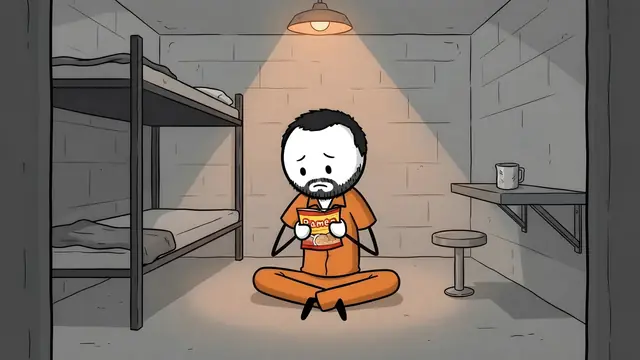

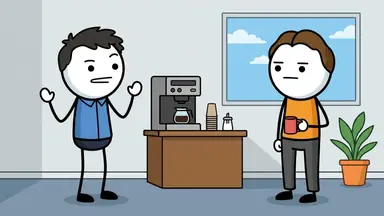
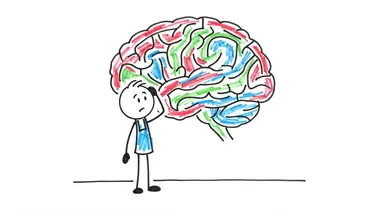

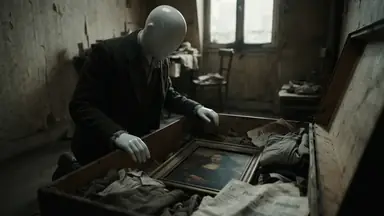




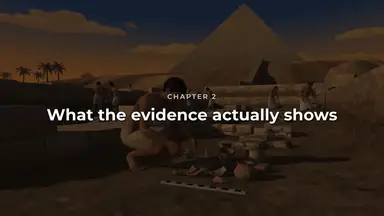
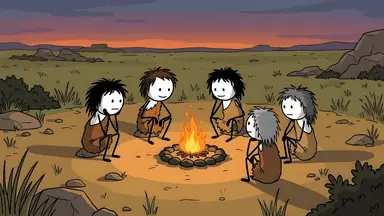
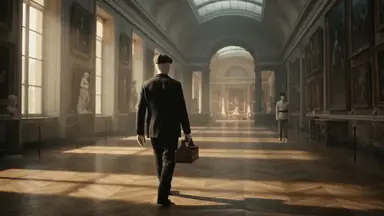
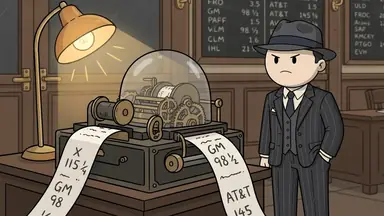
Yes. ClipFlux is an all-in-one tool for running a faceless YouTube channel: it picks the next topic, writes the script, draws every scene with the same characters, adds the voiceover, music, captions and a thumbnail, and posts the video to your channel on the days and hour you choose. It replaces the usual stack of a chatbot, an image model, a voice generator and a video editor with one plan, from $29 a month.
Every job a faceless channel needs
| Job | In ClipFlux | How |
|---|---|---|
| Plan the channel | Yes: Yes | Paste a channel you like and get a topic, a look and a voice for your own |
| Find the next topic | Yes: Yes | A Channel picks it from your ideas or from the channel’s theme |
| Write the script | Yes: Yes | Chaptered, with a hook, for videos of 1 to 20 minutes, or a Short |
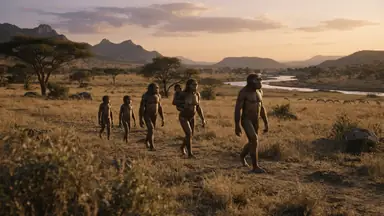
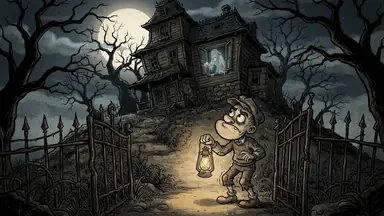
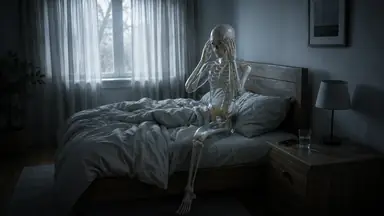
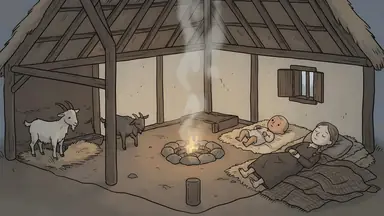
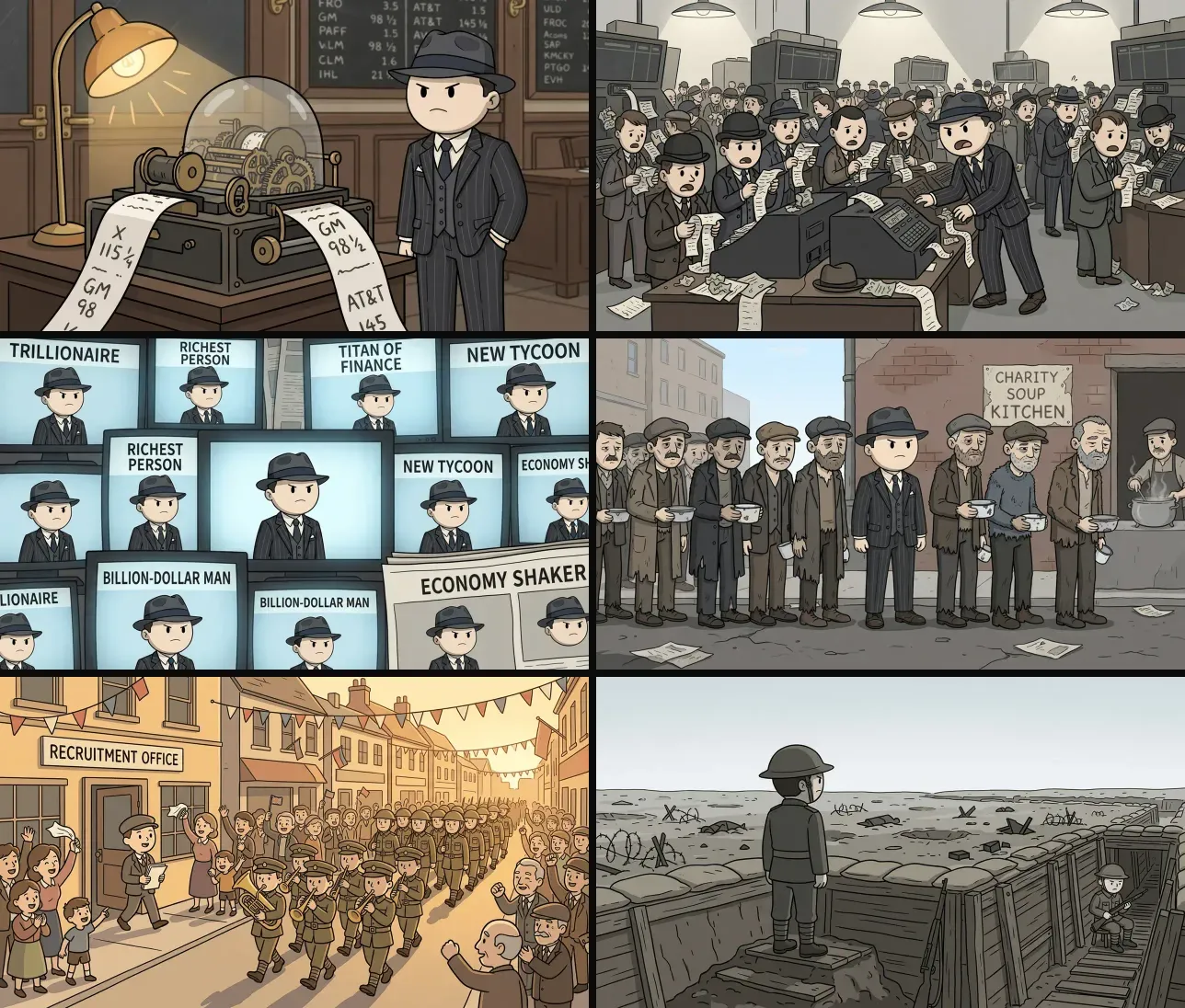
| Make the pictures | Yes: Yes | Every scene drawn in one of 12 looks, same characters throughout |
| Voiceover | Yes: Yes | 98 AI narrators in 14 languages |
| Music and captions | Yes: Yes | Built-in music, 12 caption styles timed to every word |
| Thumbnail and title | Yes: Yes | A thumbnail with every video, plus A/B/C title tests |
| Fix things by hand | Yes: Yes | Redo any scene with a note, or use the Studio timeline editor |
| Post on a schedule | Yes: Yes | YouTube and TikTok, on your days and hour, at most one a day per channel |
| Run several channels | Yes: Yes | Starter 1, Pro 2, Studio 5 channels |
| Reply to comments, find sponsors | No: No | That stays with you |
| Edit your own camera footage | No: No | ClipFlux makes faceless videos with drawn scenes |
How much of it runs without you
As much as you want. A Channel can be fully automatic, choosing the topic, making the video and posting it, or it can wait for your OK on each script before it makes anything. A good way to start is with approval on, switching it off once you trust the output. You should still watch what goes out: AI scripts can contain factual mistakes, and the channel is yours.
What it costs compared with a tool stack
A 10-minute video uses 370 credits: about $10.73 on the $29 Starter plan, or from $9.49 on a yearly plan. The manual stack (a chatbot, an image model, a voice generator and an editor) is four subscriptions plus the hours of moving files between them; how that works is in making AI videos with ChatGPT manually.
When another tool fits better
- Only Shorts: AutoShorts.ai is built for short vertical videos; see AutoShorts compared.
- Editing real footage: a video editor such as InVideo; see InVideo compared.
- Research and SEO only: tools like vidIQ help pick topics and titles but do not make the video; see the best YouTube automation tools.
See a video a Channel made and posted by itself on YouTube automation with AI.
More answers
- What website makes faceless YouTube videos for you?
- Is there an AI that makes YouTube videos from just a topic?
- What AI makes whiteboard animation videos for YouTube?
- What AI makes cartoon story videos for YouTube?
- How do you make videos like OverSimplified with AI?
- What AI makes 3D animated history documentaries?
- Which AI makes faceless YouTube videos in other languages?
- Can AI copy the style of a YouTube channel you like?
- Is there an AI that creates a whole YouTube channel for you?
- What AI makes scary story videos for YouTube?
- What AI makes mythology videos for YouTube?
- What AI makes finance and money explainer videos for YouTube?
- What AI makes psychology videos for YouTube?
- What AI makes science explainer videos for YouTube?
- What AI makes stoicism and philosophy videos for YouTube?
- What AI makes Bible story videos for YouTube?
- What AI makes biography videos about famous people?
- Can AI make history videos for sleep?
- All answers
Questions
What does the usual tool stack cost instead?
The manual way uses a chatbot for the script, an image or video model for the scenes, a voice generator and a video editor, each with its own subscription, plus the time to move files between them. ClipFlux replaces those four with one plan.
Can one account run several channels?
Yes. Starter includes 1 Channel, Pro 2 and Studio 5, each with its own topic, look, voice and posting days.
Do I still need to check the videos?
You should, at least at first. A Channel can wait for your OK on each script before it makes the video, and every scene can be redone with a note. AI scripts can contain factual mistakes.