


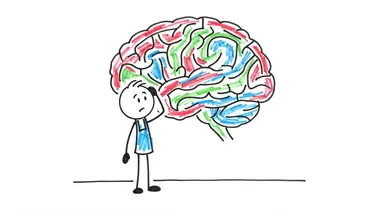










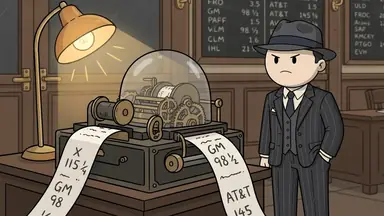

AI characters change between scenes because every scene is generated separately, and the model has no memory of the last one. To keep a character consistent you give each generation the same two anchors: a fixed written description of the character, repeated word for word in every scene prompt, and a reference image of them. Most people try the reference image first and are surprised it is not enough. In our experience the wording is the bigger half of the problem. ClipFlux does both for you: attach a character and every scene is generated with its reference images and the same fixed description, so it holds from the first scene of a Short to the last chapter of a long video. It is how the AI long video generator keeps one cast across a whole video.
Why characters drift
An image model turns a prompt into a picture from scratch each time. If scene 4 says "a detective enters the office" and scene 9 says "the investigator studies the map", the model has been asked for two different people, and it delivers them: different age, different coat, sometimes a different decade. The scripts that AI planners write make this worse, because good prose varies its wording and good prompts must not.
A reference image narrows the face and build, but the text still wins arguments. If the reference shows a grey coat and the prompt says nothing about clothing, the model feels free to dress the character for the scene.
Fix 1: One fixed description, repeated verbatim
Write a short, concrete description of each recurring character and paste the identical text into every scene they appear in. Concrete means things a camera can see:
- Age range, build, skin tone, hair colour and cut.
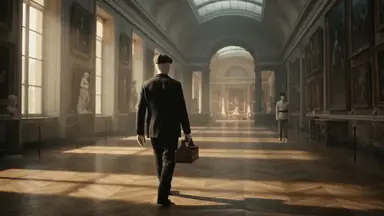
- The exact outfit, with colours: "charcoal three-piece suit, white shirt, black tie, flat cap".
- One or two signature items: a leather case, round glasses, a scar.
Leave out personality ("brooding", "kind"). The model cannot render it consistently and it takes attention away from the details it can. In ClipFlux the planner builds this description once per video, as a cast list, and attaches it to every scene automatically, so the script can call someone "the thief" in one line and "Peruggia" in the next without the image model hearing two people.
Fix 2: A reference image, used for every scene
Generate or upload one clean image of the character (front three-quarter view, plain background, full outfit visible) and feed it to every scene generation alongside the description. In ClipFlux this is the Characters library: save a character once, mention them in a brief with @, and they appear only in the scenes the story puts them in, with the same look each time. Up to six can share a video, and they persist across videos, which is what makes a recurring series possible.
One caution: do not chain scenes by feeding each generated image into the next as the reference. Small errors compound, and by scene twenty the character is a copy of a copy. Always reference the original.
Fix 3: Pick a style that forgives
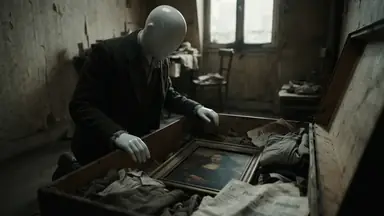
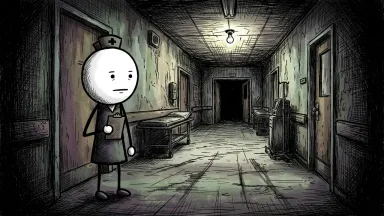
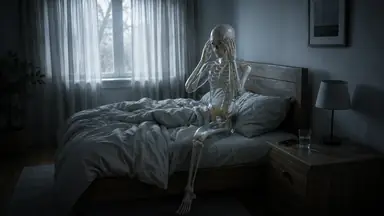
Human faces are where viewers are most sensitive and models are least stable. Styles that simplify or remove the face make consistency dramatically easier: skeletons, doodles, paper cutouts, faceless mannequins. With no face to drift, identity rests entirely on silhouette and costume, which the fixed description controls well.
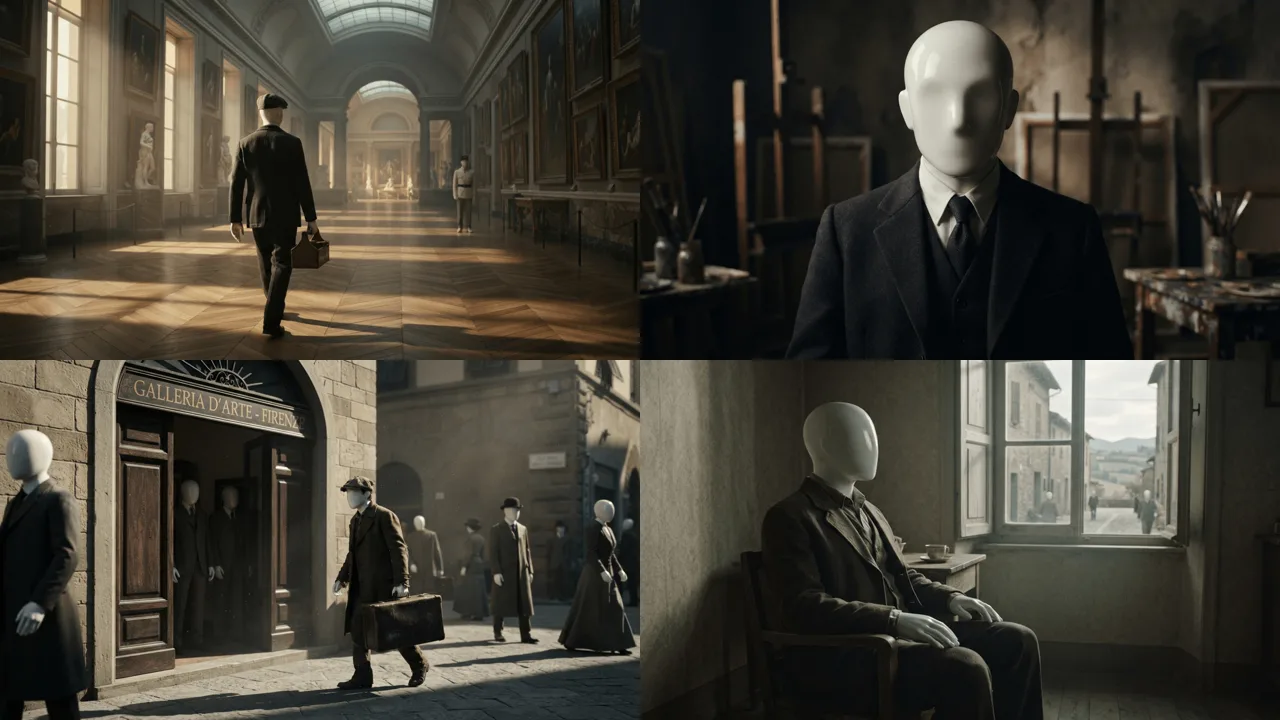
This is a large part of why formats like skeleton POV videos and the mannequin documentary look took off: they are the styles where AI output holds together across a whole video.
Fix 4: Repair the scene, not the video
Even with all three anchors, expect one or two scenes in a long video to miss. The efficient fix is to regenerate that scene alone with a note that names the difference: "same man as the other scenes: flat cap, charcoal suit, no beard". Rerolling the whole video to fix one frame just moves the error somewhere else.
Same character, another look
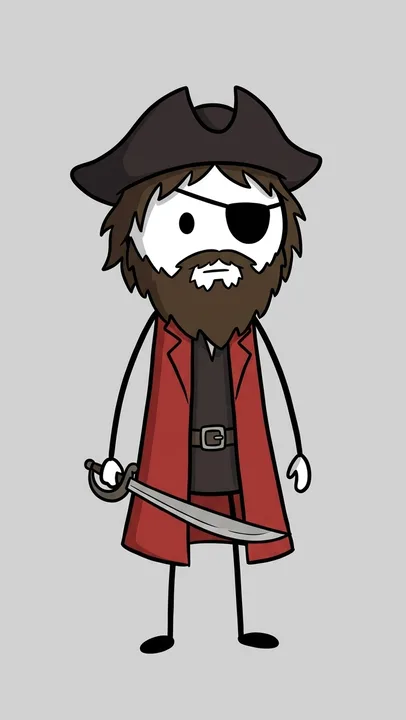
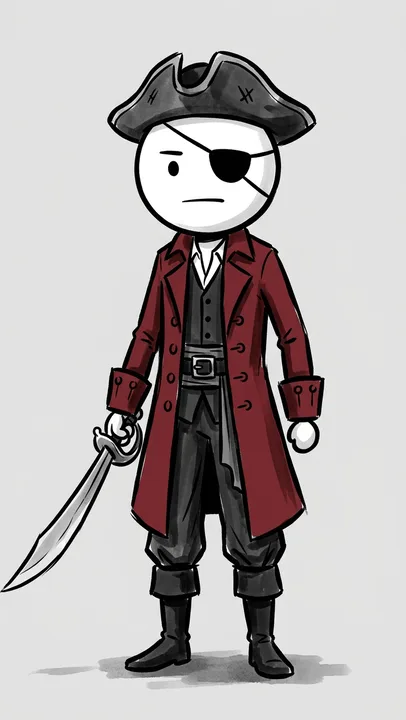
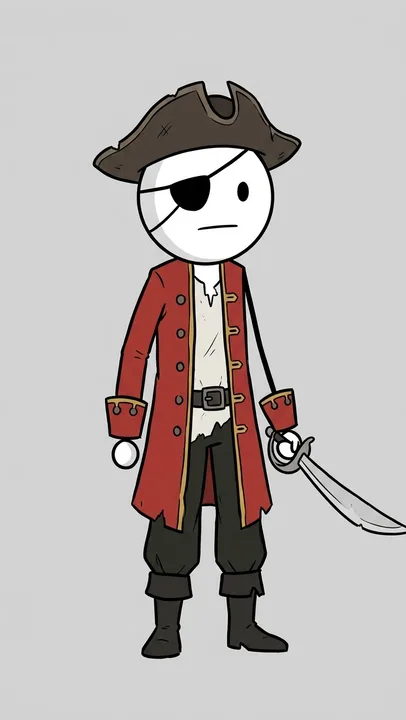
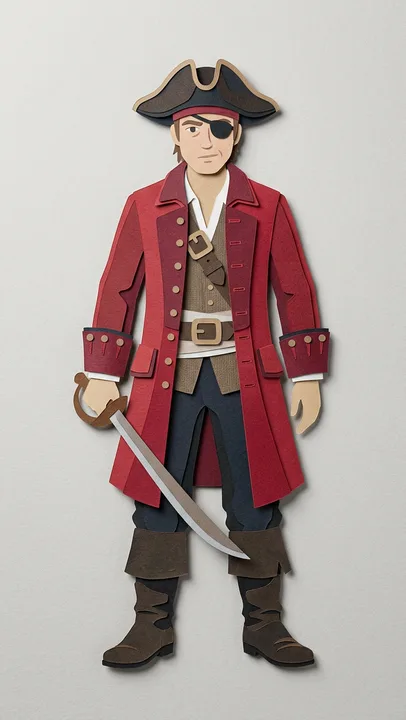
A reference picture belongs to the look it was drawn in. Feed a cartoon pirate into a noir ink video and you get a cartoon pirate pasted into ink, or a stranger. The fix is to redraw the character in each look on purpose, keeping what identifies them (the hat, the eye patch, the coat, what they carry) and letting the look change everything else.
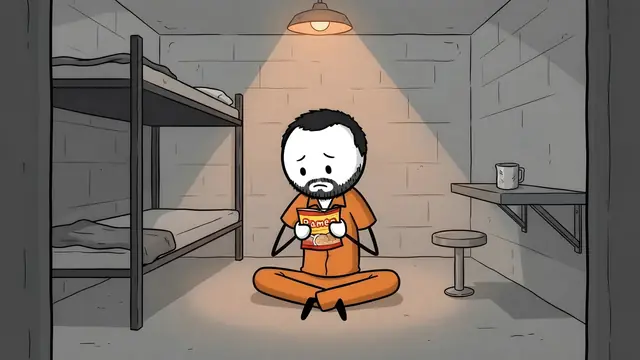
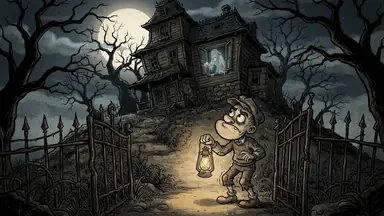
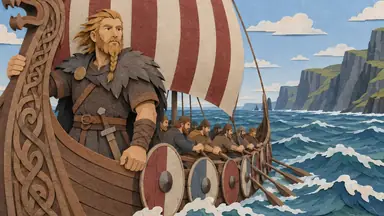
ClipFlux's ready-made characters work this way. There are sixteen of them (a detective, an inmate, a knight, a Viking, a pirate and more), each drawn in every stickman look and in Doodle 2D, with smaller casts in the other looks. Switch a video to another look and the same character comes along, drawn in the new one.

The crowd problem
Consistency is not only about the lead. In stylized videos a common failure is a correctly styled protagonist surrounded by ordinary photorealistic extras, because the style words were attached to the character rather than to everyone. If your look depends on the whole world sharing it, say so in the prompt in positive terms ("every person in the scene is a faceless white mannequin"). Avoid phrasing it as a ban: image models have no reliable negative channel, and "no human faces" often summons exactly that.
What about video models?
The same rules apply, plus one advantage. Most AI video pipelines animate from a starting image, so if the still frame is consistent the clip inherits it. Get the images right first, then add motion. Drift inside a clip shows up mostly in long shots, so keep generated clips short, around five seconds, and cut between them like an editor would.
Checklist
- One written description per character, concrete and visual.
- The identical description in every scene prompt.
- One original reference image, used for every scene, never chained.
- A style that simplifies faces if the format allows it.
- The style applied to everyone in frame, stated positively.
- Per-scene regeneration for the few that still miss.