



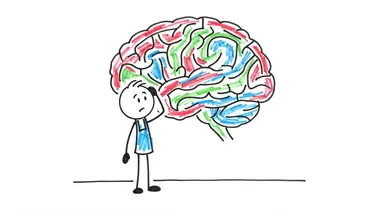










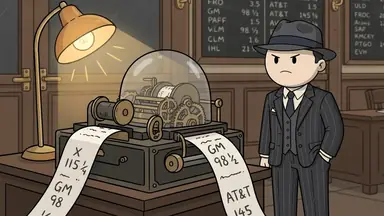
Stickman explainer videos teach one idea at a time with simple stick figures on a plain background: a narrator explains why saving is hard or how a business makes money, and each sentence gets its own small drawing, often with a chart, an arrow or a coin. To make one, pick a topic people already wonder about, write a calm script with one idea per scene, draw every scene in one clean stick figure style with the same figures, then add a narrator and captions. ClipFlux does the making in one go: type the topic, pick the Minimal look, and it writes the script, draws every scene with the same stick figures, voices it and adds captions, as a Short or a full-length 16:9 YouTube video in chapters.
Why this format works
Explainers live on clarity, and stick figures are about as clear as a picture gets. A few things carry the format:
- The idea is the star. With no faces, sets or effects to look at, the eye goes straight to the one thing drawn in colour: the chart, the coin, the door. The viewer sees the point while hearing it.
- Anyone can be the person on screen. A blank stick figure is not a type, so viewers put themselves in its place. That suits money and psychology, where the topic is usually "you".
- It scales to long videos. A plain look is fast to draw scene after scene, so an hour-long list is possible. Professor Stickman, a channel with a stick figure host on a white page, had 29.3K subscribers when we read it on 28 October 2026, and its 58-minute "What Your 'WEIRD' Habits Reveal About You" had 490K views; its 43-minute "Every HIDDEN ADVANTAGE of Your 'Flaws' Explained" had 243K. Long psychology lists, told calmly, are the shape that broke out.
Step 1: Pick a calm, useful topic
The look is built for calm explainers: money, business, productivity, psychology, facts and lists. The best titles are a question the viewer has already asked themselves ("Why do I always feel broke?") or a list that promises a full answer ("Every money habit that keeps you poor"). Search YouTube for your exact title first; if it is already a hit, find a narrower angle. Fresh ones to start from:
- Why is it so hard to save money even on a good salary?
- How does compound interest actually work?
- Why do people buy things they do not need?
- How do supermarkets get you to spend more than you planned?
- What happens in your brain when you procrastinate?
- Why do we remember embarrassing moments for years?
- Why do most new habits fail after two weeks?
- How does a small coffee shop actually make money?
If you are choosing a niche for what it pays, look at real numbers first: YouTube RPM by niche shows what each niche earned per 1,000 views in a study of real channels, and money is not the top earner most lists claim.
Step 2: Write the script one idea per scene
Open with the question and a clear answer in the first fifteen seconds, then build it up in small steps: one sentence or two, one picture. Use plain examples (a $5 coffee, a rent bill, a phone left on the desk) instead of jargon. For a long video, split it into chapters, one idea or one list item each. Keep the tone calm and friendly; these videos are watched to understand, not to be shocked.
For money topics: this is not financial advice, and your video should not pretend to be. Check every number, rate and rule against a real source before you publish, say where rules differ by country, and never promise returns. AI writes confident numbers that are sometimes wrong, whatever tool writes your script. If you already have a script, ClipFlux can use it word for word (see script to video with AI).
Step 3: Draw every scene in one minimal stickman style
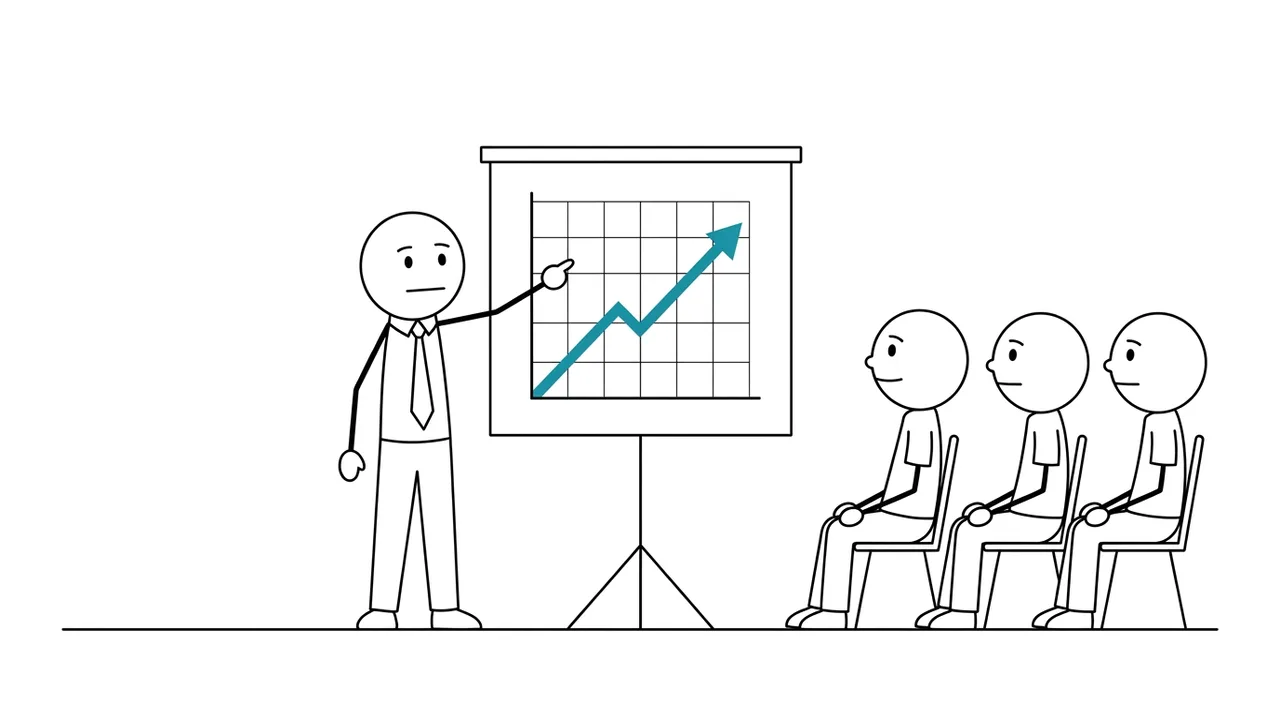
The look is clean thin black lines on white, no shading, lots of empty space, and one accent colour (in ClipFlux's Minimal look, a clear teal) on the one or two things that matter in each scene: a rising chart, a coin, a door, a key. Charts, arrows, numbers and simple diagrams sit in the same thin line, so a graph never looks pasted in.
The hard part with AI pictures is keeping it one world. Left alone, an image model draws the narrator as a stick figure and the boss, the customer or the crowd as ordinary cartoon people with skin-toned faces. In the Minimal look every person is the same bald, white round-head stick figure with dot eyes and a line mouth, the main character exactly like the crowd; who someone is shows only in their clothes, a hat and what they hold. If one scene comes out wrong, redraw just that scene with a note ("make the chart go down"). More on keeping characters steady is in consistent characters in AI videos.
Step 4: Add the narrator and captions
A calm, clear voice that sounds like a good teacher, at an easy pace: the pictures are simple, so the voice carries the video. Keep the same voice on every video so the channel sounds like one person. Add captions; many people watch on phones with the sound low, and captions help numbers stick.
Step 5: Make the thumbnail
One big stick figure doing one clear thing (holding an empty wallet, staring at a falling chart) and two or three words in big letters. Keep the white background and the single accent colour so your thumbnails look like a set. The title asks the question; the thumbnail hints at the answer.
Step 6: Choose Shorts, long videos or both
The Minimal look works for both. A Short takes one idea and one answer in under a minute ("Why your $5 latte is not the problem"); a long 16:9 video takes the whole list in chapters. Many channels do both: the Short asks the question, the long video answers it in full. How Shorts differ is in faceless YouTube Shorts with AI. One limit: Minimal is not offered for the Talking character format.
Step 7: Post on a steady schedule
Explainer channels grow by being a reliable place to learn one kind of thing. Plan ten topics in one niche before the first upload, and post on fixed days. A ClipFlux Channel can work through your list and post on the days and at the hour you choose (see YouTube automation with ClipFlux).
Other stick figure looks
Minimal is the quiet, clean option. If you want marker sketches coloured in with streaky marker strokes, the classic whiteboard-explainer feel, use the Whiteboard look. For deadpan stick figures in a bright, flat, full-colour world, use Classic Stickman. All of them are on the AI stickman video generator page. Minimal is not the right pick for horror, action, epic history or kids' stories; for drawn history explainers, see doodle explainer videos with AI.
How people make these by hand
There are two ways. The classic one is animation software: you draw or rig the stick figures yourself and move them frame by frame, which looks great and takes days per video (the tools are compared in the best stickman animation software). The newer one is a stack of AI tools: a chatbot for the script and the picture prompts, an image model for the scenes, a voice tool and a video editor to put it together. Free tutorials for this are popular on YouTube (Mark Ai Guy's "How to Create Stickman Animation with AI 100% FREE" had 433K views when we read it on 28 October 2026). It works, but a ten-minute explainer needs a hundred or more pictures, and keeping every one in the same clean line with the same figures is where most of the hours go. The whole manual workflow is in How to make AI videos with ChatGPT by hand.
Don't copy the videos
"Explained with stick figures" is not a hook on its own. When we searched YouTube for stick figure money and business explainers on 28 October 2026, many videos with that phrase in the title had fewer than 100 views. What the videos that broke out had was a question people wanted answered. Copying a hit's title or script does badly twice: viewers have already seen it, and since July 16, 2026 YouTube's monetization rules name videos that look made from a template or feel interchangeable as inauthentic content. Borrow the format and the calm tone; bring your own topic, your own examples and checked facts. What YouTube pays for is in Can AI videos be monetized on YouTube?
Questions
What is a stickman explainer video?
A narrated video that explains one topic, such as money, business or psychology, with simple stick figures on a plain background. Each sentence gets its own small drawing, often with a chart, an arrow or an icon.
How do you make stick figure explainer videos with AI?
Type a topic or paste your script into ClipFlux and pick the Minimal look. It writes the script, draws every scene with the same stick figures, adds a narrator voice and captions, and makes a Short or a full-length 16:9 video in chapters.
What topics work best for minimal stickman videos?
Calm explainers: money, business, productivity, psychology, facts and lists. The look is a poor fit for horror, action, epic history and kids’ stories.
Is the Minimal look the same as a whiteboard animation?
No. Minimal is clean thin black lines on white with one teal accent colour. ClipFlux’s Whiteboard look is marker sketches coloured in with streaky marker strokes, closer to classic whiteboard explainers.
Can I use stickman explainers for money videos?
Yes, it is one of the best fits. Treat it as education, not financial advice: check every number, rate and rule against a real source before publishing, and never promise returns.