
YouTube automation with AI
ClipFlux runs a faceless YouTube channel for you. A Channel picks the next topic, writes and draws a video up to 15 minutes (or a Short), voices it, draws the thumbnail and posts it to your YouTube channel on the days and hour you choose.
- Posts
- up to 1 a day
- Videos
- up to 15 min
- Looks
- 11
- Mon 18:00Why Is Ramen Worth More Than Money in Prison?Cartoon Stickman · 8:49Posted
- Wed 18:00Could you survive a lifetime as a medieval peasant?Doodle 2D · 14:40Posted
- Fri 18:00How the pyramids were actually builtDrawing scenesUp next
- Sun 18:00Next topic from your ideasPicks it on SaturdayQueued
What a channel does on its own
Set it up once. Every post after that runs end to end.
- Picks the topic. The next idea on your list, or a new one written from the channel's description once the list is empty (or it pauses, if you prefer).
- Writes the script. A cold open and a chapter for each part, one narrator from the first line to the last.
- Draws every scene in one look, with the same character in scene one and scene fifty.
- Voices and captions it. 99 voices in 14 languages, captions timed to every word.
- Draws the thumbnail from the video's own characters and look, title text included (2 credits a video, or let YouTube pick a frame).
- Uploads it to YouTube at the hour you set, with its title and chapters.
Setting up takes a few minutes: name a niche, paste a plan you already have, or paste a YouTube channel you like. ClipFlux reads that channel's format (niche, look, narrator) and never copies its titles. Then choose the look, the voice, the length and the posting days.
As hands-free as you want
- Fully automatic. The channel makes and posts every video on schedule. You get each one in your videos list and can open it in the editor any time.
- Approve the script. Each video stops once its script is written and ClipFlux emails you. Approve it and the video is drawn, voiced and posted as usual.
- A credit reserve. Set aside credits the channel must not touch; it pauses instead of spending them.
"Make one now" on the channel page makes the next video straight away and never posts it, so you can see what the channel will make before it goes live.
Looks faceless channels run on
Pick one per channel. 11 looks in all, each opens the builder ready to try.
 Cartoon StickmanHistory and "how people lived" stories
 Doodle 2DExplainers, money and history
 Mannequin 3DDocumentaries and true stories
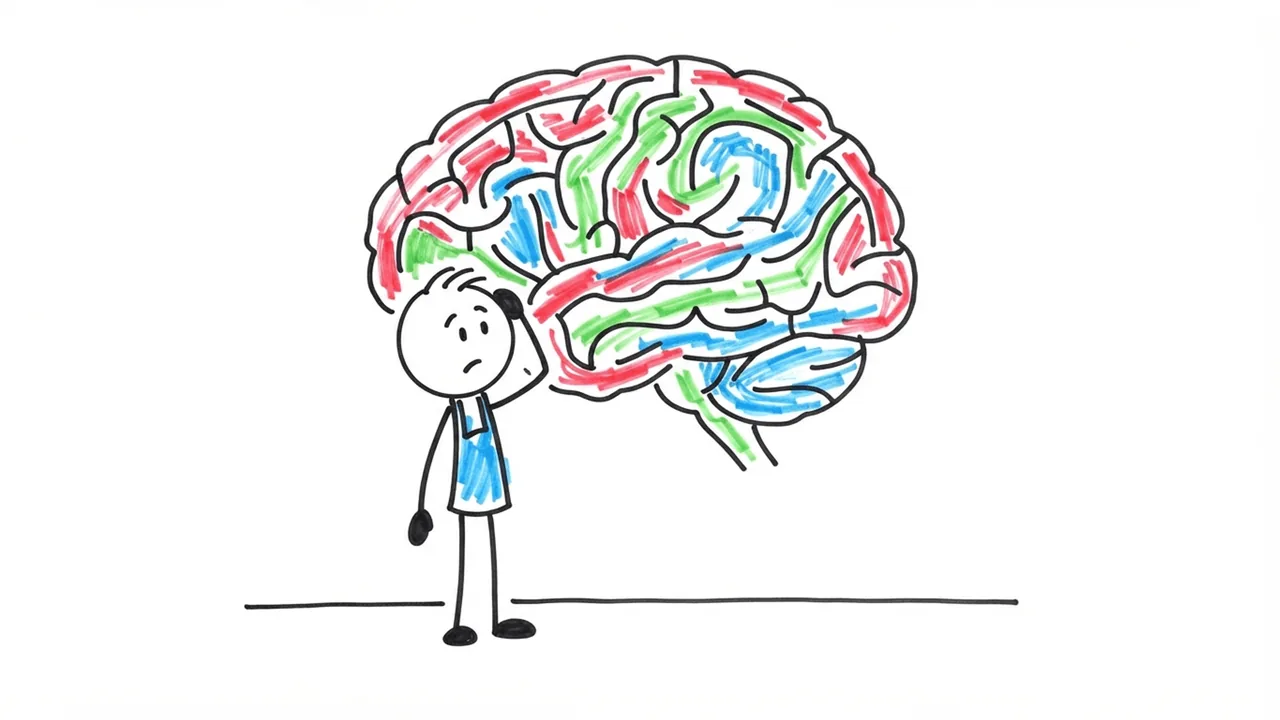 WhiteboardPsychology and self-improvement
Stickman and Whiteboard channels are on AI stickman video generator; documentaries on AI documentary video generator.
Is YouTube automation allowed?
Yes. YouTube does not ban AI or automation. It refuses to pay for inauthentic content: videos that are mass-produced, generic or the same video again with a new title. Since July 16, 2026 its rules name videos that look made from a template or feel interchangeable.
- Give the channel a real niche and its own angle on each topic.
- Read the scripts. AI gets dates and numbers wrong, and viewers notice.
- Post at a pace you can check. One good video a day beats five copies.
The rules, with the YouTube Help pages they come from, are in What is YouTube automation? and Can AI videos be monetized on YouTube?
What it costs
- Channels
- Pro: 1 channel, Studio: 3 channels. Free and Starter make videos by hand.
- Pro
- $79 a month, 2,800 credits: about 9 videos of 8 minutes
- Studio
- $179 a month, 6,400 credits: about 21 videos of 8 minutes
- Per video
- 37 credits a minute (56 with Fast cuts), plus 2 for the thumbnail
- Daily posting
- A 8-minute video every day uses about 8,940 credits a month; top-ups never expire
Questions about YouTube automation
Is there an AI that makes and uploads YouTube videos automatically?
Yes. A ClipFlux Channel picks the next topic, writes the script, draws every scene, voices it, adds captions, draws the thumbnail and uploads the video to your YouTube channel on the days and at the hour you set. Long videos run up to 15 minutes; Shorts work too.
Can AI run my whole YouTube channel?
It can make and post the videos. You still choose the niche, the look and the voice once, and you should watch what goes out, at least at the start. A channel can stop after each script and wait for your OK before it draws and posts the video.
How many videos a day can it post?
At most one a day per channel. You pick the days of the week and the hour; ClipFlux keeps at least 20 hours between two posts. One a day is also about the most a faceless channel can keep original.
Where do the topics come from?
From your ideas list first, in the order you set. When that runs out, the channel either picks a new topic from its own description with AI, or pauses and waits for more ideas: you choose which. You can also start a channel from a YouTube channel you like; ClipFlux reads its format, never its titles.
How much does YouTube automation with ClipFlux cost?
Channels come with the Pro plan ($79 a month, 1 channel, 2,800 credits) and Studio ($179, 3 channels, 6,400 credits). A 8-minute video with a thumbnail uses about 298 credits, so Pro covers about 9 of them a month.
Will an automated channel get monetized?
It can. YouTube pays AI-made videos; what it refuses is inauthentic content: mass-produced, generic or repetitive videos. Give the channel a real niche, its own angle on each topic, and check the facts in the scripts. Fully animated videos do not need the synthetic-content label.
Do I need my own YouTube channel?
Yes. You connect your own YouTube channel with Google and ClipFlux uploads to it. The videos, the channel and the earnings are yours.
Put your channel on autopilot.
Make your first video with a 7-day trial: $5 for 150 credits, then let a channel post the rest. Cartoon Stickman, Doodle 2D, Mannequin 3D, Whiteboard and more.
Start a channel