
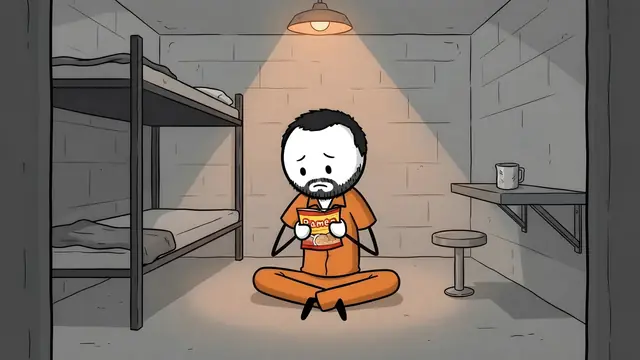
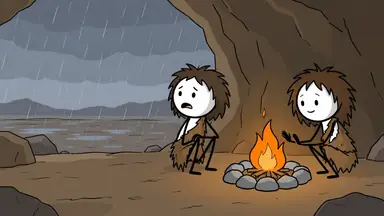
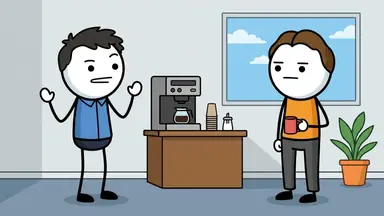
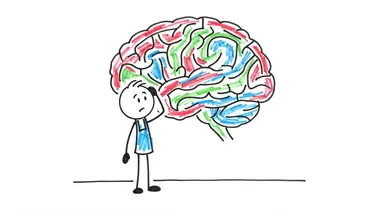
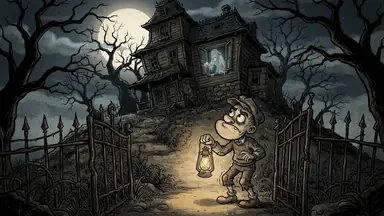
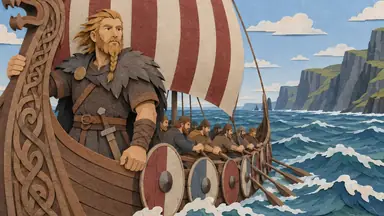
ClipFlux makes whiteboard-style YouTube videos from one topic. Its Whiteboard look draws every scene as a simple marker sketch on white, with stick figures and hand-coloured red, green and blue fills, then narrates the story with captions and music. It makes full-length 16:9 videos of 1 to 20 minutes in chapters, or Shorts, without you drawing or placing anything.
What the Whiteboard look is
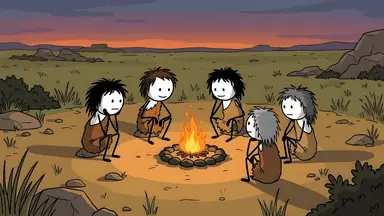
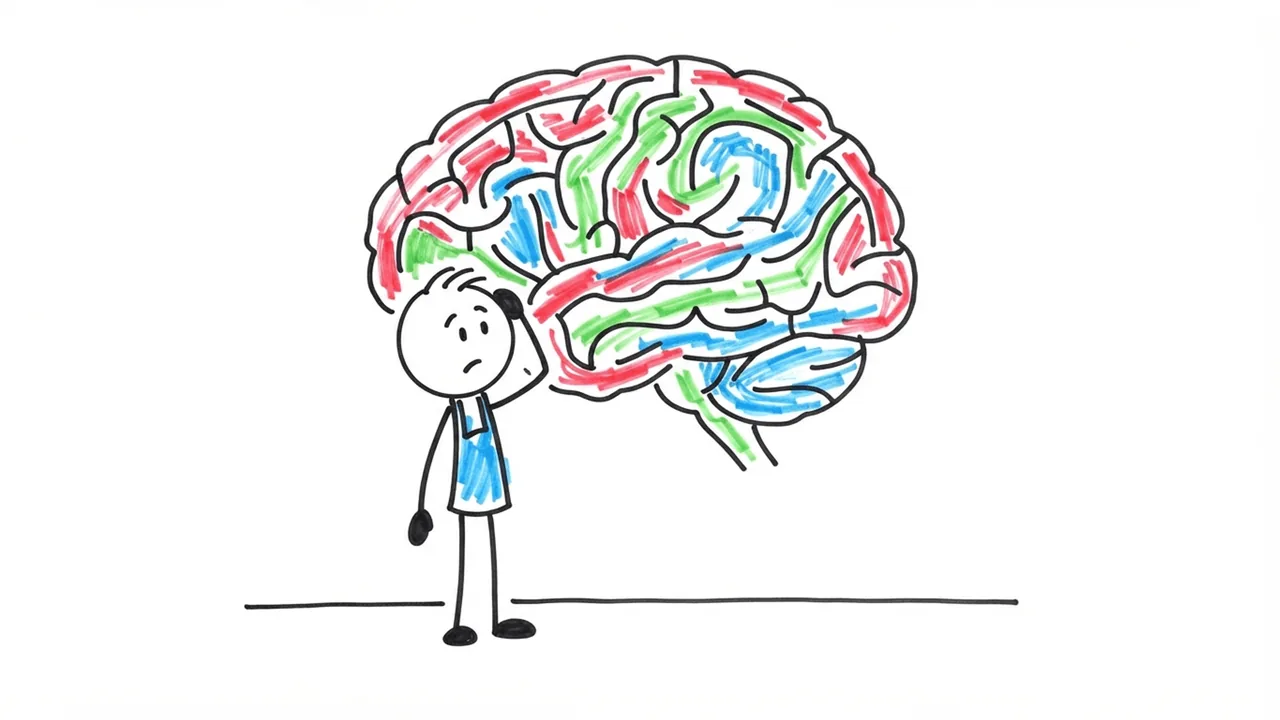
- Thick, slightly wobbly black marker outlines, like a quick drawing by hand.
- Colour filled in with streaky red, green and blue marker strokes, only where it matters.
- Every person is the same simple stick figure with a round head and dot eyes; who is who shows in a few hair strokes, a hat or a beard.
- Lots of white space, with only the objects the scene needs.
It suits explainers: psychology, science, money, "why does" and "how does" topics, where a simple drawing makes one idea clear.
ClipFlux or a classic whiteboard animation tool?
The two do different jobs. From each site, checked on 25 October 2026:
| ClipFlux (ours) | VideoScribe, Doodly | |
|---|---|---|
| You start from | One topic | A blank canvas and a library of drawings |
| Who draws the scenes | AI, for your story | You place library images |
| The drawing on screen | Finished sketches with slow camera moves | A hand that draws each image as you watch |
| Script and voice | Written and narrated for you | You bring them (VideoScribe has AI tools with monthly limits) |
| Length | 1 to 20 minutes, in chapters | VideoScribe Lite caps a video at 5 minutes |
| Posting to YouTube | On a schedule | You export and upload |
Choose VideoScribe or Doodly if you want the classic hand drawing every line, or exact control over each image for training and marketing videos. Choose ClipFlux if you want a YouTube channel of whiteboard-style explainers without drawing or editing them yourself.
How to make one in ClipFlux
- Type the topic as one sentence, for example "Why your brain loves bad habits".
- Pick the Whiteboard look, a length and a narrator.
- Review the scenes. AI drawings can misspell words, so check any text in the frames and redo a scene with a note if needed.
- Render it in 16:9 for YouTube or 9:16 for Shorts, or let a Channel post it.
A 10-minute video costs about $10.73 on the $29 Starter plan, from $9.49 on a yearly plan. The stickman looks are on the AI stickman video generator page, and the round-headed cartoon look in doodle explainer videos.
More answers
- What website makes faceless YouTube videos for you?
- Is there an AI that makes YouTube videos from just a topic?
- Is there an all-in-one tool for running a faceless YouTube channel?
- What AI makes cartoon story videos for YouTube?
- How do you make videos like OverSimplified with AI?
- What AI makes 3D animated history documentaries?
- Which AI makes faceless YouTube videos in other languages?
- Can AI copy the style of a YouTube channel you like?
- Is there an AI that creates a whole YouTube channel for you?
- What AI makes scary story videos for YouTube?
- What AI makes mythology videos for YouTube?
- What AI makes finance and money explainer videos for YouTube?
- What AI makes psychology videos for YouTube?
- What AI makes science explainer videos for YouTube?
- What AI makes stoicism and philosophy videos for YouTube?
- What AI makes Bible story videos for YouTube?
- What AI makes biography videos about famous people?
- Can AI make history videos for sleep?
- All answers
Questions
Does a hand draw each line on screen?
No. ClipFlux draws each scene as a finished whiteboard sketch and moves the camera slowly across it while the narrator speaks. If you need the classic hand that draws every stroke, a tool like VideoScribe or Doodly is built for that.
Can I put my own text or diagrams on the board?
The scenes are drawn by AI from the script. With Fast cuts pacing it adds simple maps, diagrams and timelines. AI drawings can misspell words, so check any text in the frames; exact wording is best added in the Studio editor.
Is it good for long YouTube videos?
Yes. Whiteboard is one of the 11 looks for long videos, from 1 to 20 minutes in chapters, with the same stick figure people in every scene.