





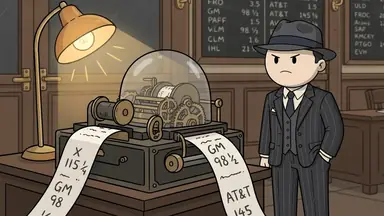
AI doodle video generator
ClipFlux turns a topic or your text into a narrated doodle video: it writes the script, draws every scene in its Doodle 2D look with the same round-headed characters, adds the voiceover and captions, and cuts it together as a full-length YouTube video or a Short.
- Doodle 2D
- every scene
- YouTube
- 1 to 20 min
- Posts
- on a schedule
Real doodle videos made with ClipFlux
Unedited frames from three videos on our own account, every scene in the same look.
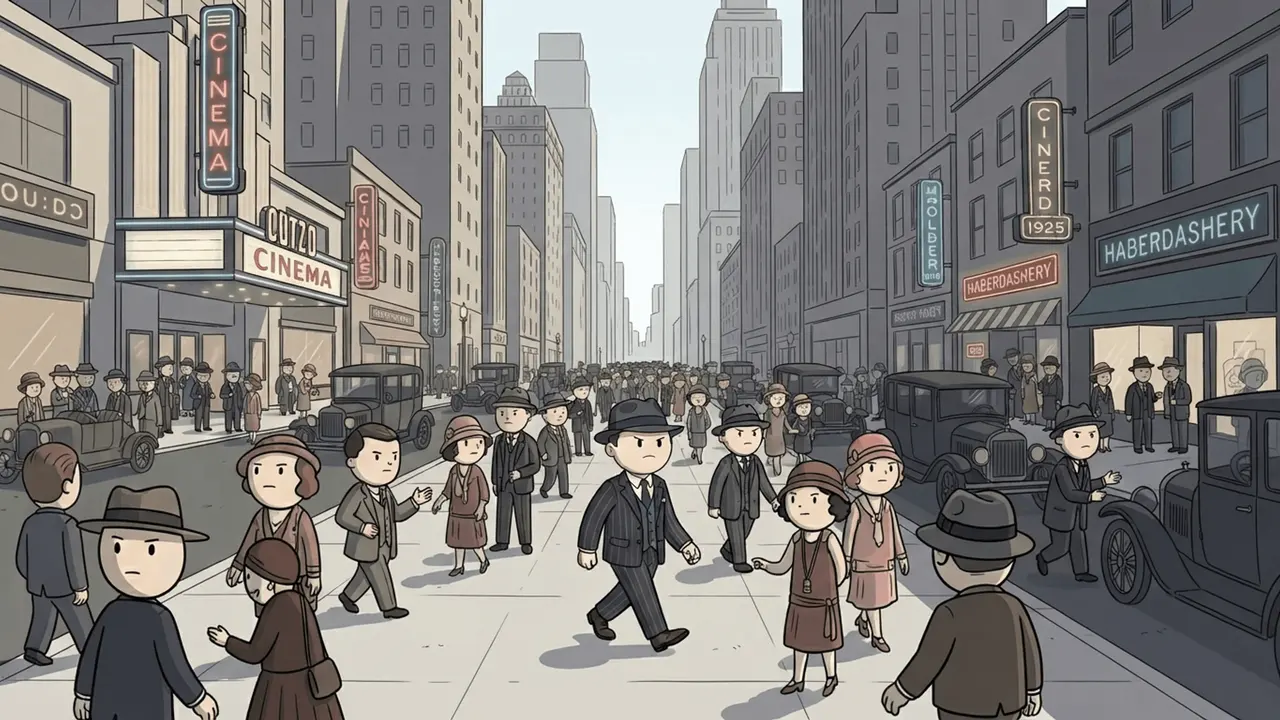
Wall Street: the Roaring Twenties 
Wall Street: Black Tuesday 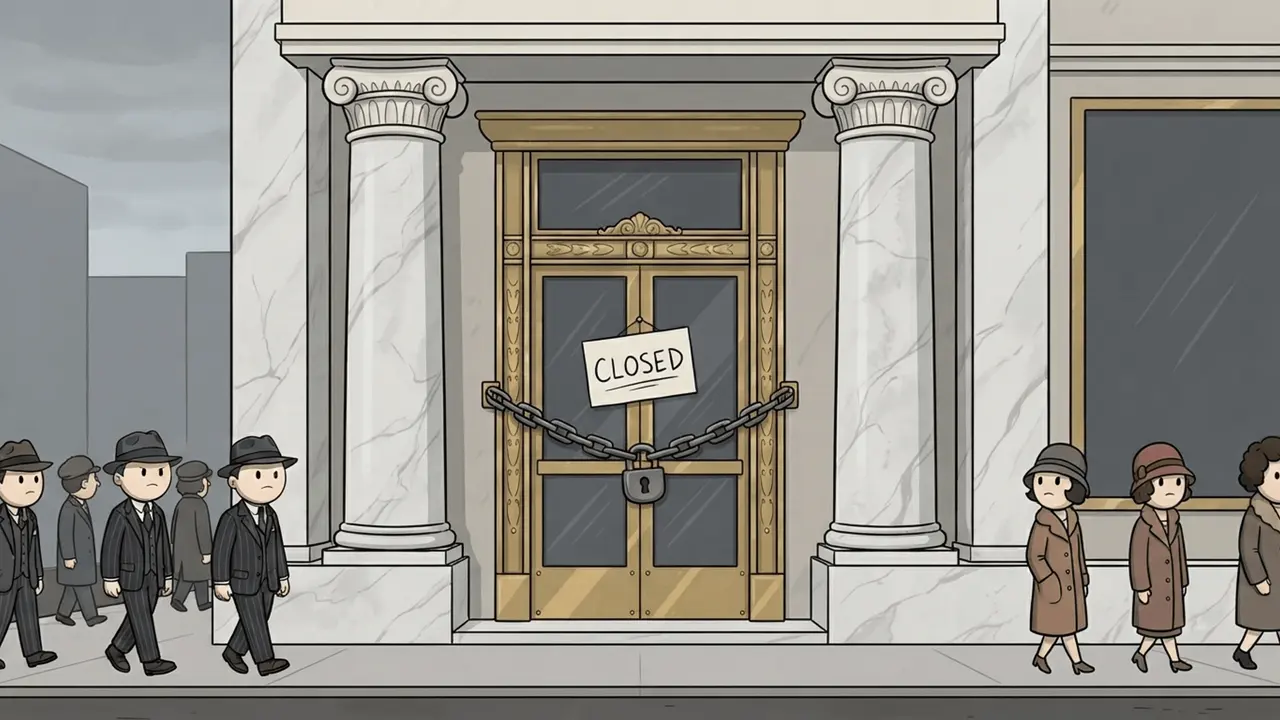
Wall Street: the aftermath 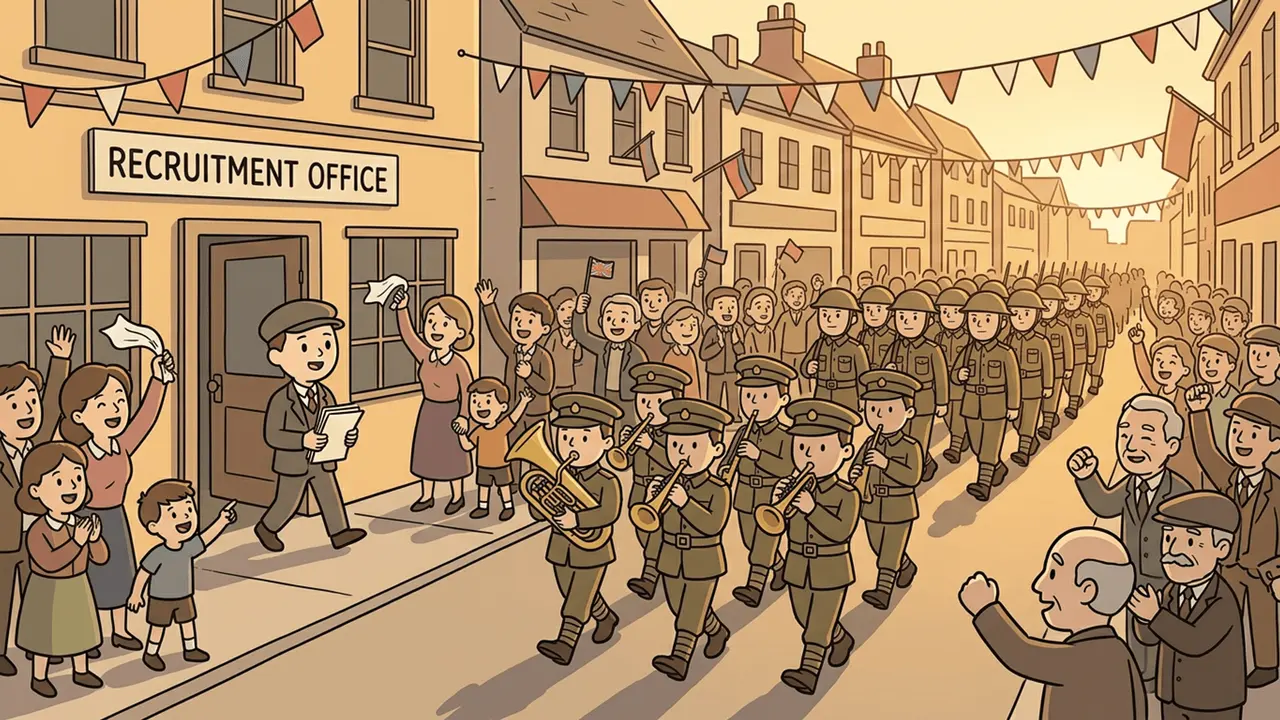
First World War: the call 
First World War 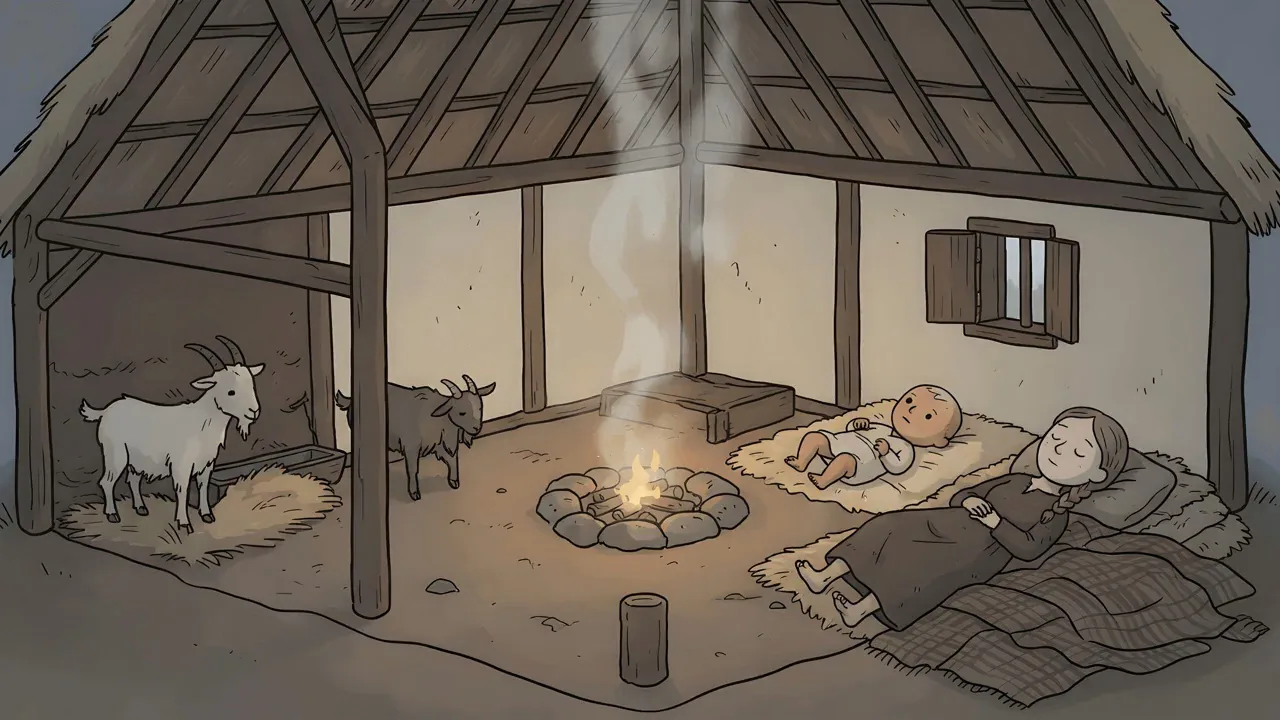
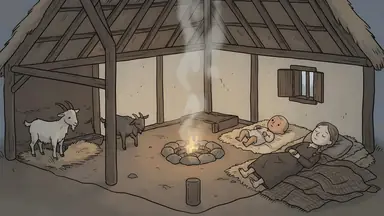
Medieval peasant: the cottage
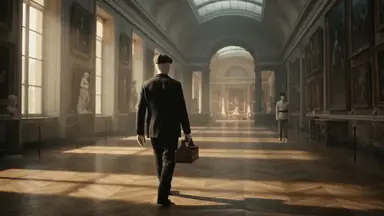
- The Wall Street Crash, explained
- 3:27, from a five-word brief: five chapters, 36 scenes, one recurring banker
- Could you survive a lifetime as a medieval peasant?
- 14:40, twelve chapters following one peasant from birth to old age
Watch both in full, with chapters and transcripts: the Wall Street Crash and the medieval peasant.
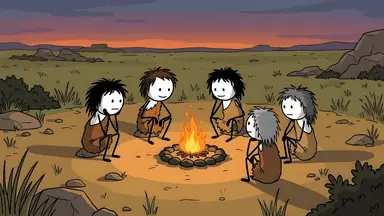
What the Doodle 2D look is
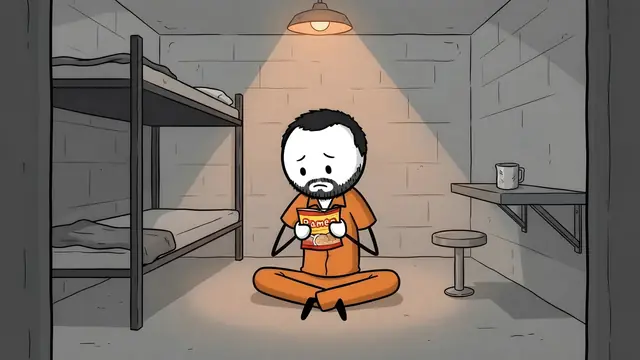
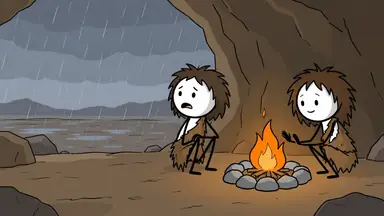
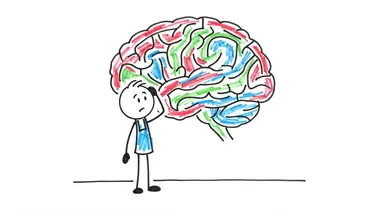
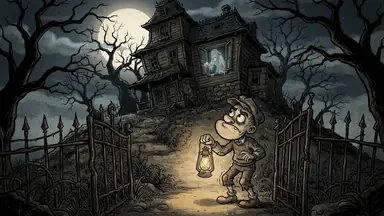
- One shape for everyone: an oversized round head on a compact body, the whole figure about two and a half heads tall.
- Tiny faces: solid dot eyes, thin single-stroke eyebrows and a one-line mouth, so the characters read at a glance.
- Thick, even outlines and flat muted colours, with no gradients or textures, and backgrounds drawn in the same simple shapes.
- Characters keep who they are: skin tone, hairstyle, beard and outfit come through, reduced to doodle shapes, in every scene.
It is the look history and money explainers made familiar, the way channels like Simple History draw. ClipFlux is not affiliated with Simple History and does not use its art: it draws its own characters for your story.
Doodle video or whiteboard animation?
“Doodle video” means two different things. Here is which tool makes which.
| ClipFlux Doodle 2D | VideoScribe, Doodly | |
|---|---|---|
| What you get | Cartoon doodle scenes in colour, narrated | A hand drawing line art on a white board |
| You start from | One topic or your text | A blank canvas and a library of drawings |
| Script and voice | Written and narrated for you | You bring them |
| Length | 1 to 20 minutes, in chapters | VideoScribe Lite caps a video at 5 minutes |
| Posting to YouTube | On a schedule | You export and upload |
ClipFlux also has a black-marker-on-white look: whiteboard animation videos with AI.
What a doodle video costs
The price is shown before you generate, and credits are held before a video starts.
- 10 minutes
- 370 credits, about $10.73 on the $29 Starter plan, from $9.49 on a yearly plan (one picture per sentence)
- With Fast cuts
- 560 credits for 10 minutes (a new picture every few seconds, with simple maps and timelines)
- Starter
- 1,000 credits a month, 2 ten-minute videos, and 1 Channel that posts on a schedule
How it works
- Type a topic or paste your text. A topic with a cast and a chain of causes works best: a crash, a war, a strange episode from history.
- Pick Doodle 2D, a narrator and a length. 98 voices in 14 languages; long videos run 1 to 20 minutes in chapters.
- Review it scene by scene. Redo any scene or line with a written note, without starting over.
- Export or post. Download the MP4, or post to YouTube from ClipFlux, now or on a schedule with a Channel.
The full how-to, with topics that suit the look, is in How to make doodle explainer videos with AI.
Start from an idea
Each one opens the builder with the idea filled in and Doodle 2D picked.
- The Great Emu War, explainedYouTube video · Doodle 2D
- How the Dutch went mad for tulipsYouTube video · Doodle 2D
- Why the Titanic sank so fastYouTube video · Doodle 2D
- A year as a medieval blacksmithYouTube video · Doodle 2D
- The South Sea Bubble, explainedYouTube video · Doodle 2D
- Why castles had moatsShort · Doodle 2D
What it won’t do
- It does not draw stroke by stroke on screen. Scenes appear finished, with slow camera moves. For a hand drawing every line, use a whiteboard tool.
- It is not frame-by-frame animation. Long videos are drawn scenes with camera moves and cuts; motion video is available for Shorts.
- It does not check facts. The script is written by an AI model; read it before you post, especially names, dates and numbers.
Questions about AI doodle videos
Is there an AI that makes doodle videos?
Yes. ClipFlux makes narrated doodle videos from one idea: it writes the script, draws every scene in its Doodle 2D look (round-headed 2D cartoon figures, thick outlines, flat colours), voices it and adds captions, as a full-length 16:9 YouTube video of 1 to 20 minutes or a vertical Short.
Can AI turn text or a script into a doodle video?
Yes. For a Short, Script mode speaks your text exactly as you typed it and draws a doodle scene for each part. For a long video, paste your topic or a brief with the points to cover, and ClipFlux plans the chapters and writes the narration from it.
Is there a free AI doodle video generator?
In most countries, you watch the opening of your first video free before paying anything. To finish it, new accounts start with 150 credits for $5, enough for a 4-minute doodle video with chapters, narration and captions. It is one payment: nothing renews and the credits never expire.
Do the doodle characters stay the same in every scene?
Yes. ClipFlux describes each character once (skin tone, hairstyle, outfit) and draws every scene from that, all in the same round-headed doodle shapes. A saved character from your library keeps the same face across videos too.
Is it like VideoScribe or Doodly?
No. Those are whiteboard tools: you place drawings from a library and a hand draws them on screen. ClipFlux writes and draws the whole video for you from a topic, as finished doodle scenes with slow camera moves. For the hand-drawing effect, a whiteboard tool fits better.
How much does an AI doodle video cost?
A 10-minute doodle video uses 370 credits, about $10.73 on the $29 Starter plan and from $9.49 on a yearly plan, with one picture per sentence. Fast cuts, a new picture every few seconds, uses 560 credits for 10 minutes.
Can I make doodle videos in other languages?
Yes. ClipFlux writes and narrates in 14 languages with 98 voices, and the captions follow the narration word for word.
Can doodle videos be monetized on YouTube?
Yes, if the channel meets the YouTube Partner Program rules. AI-made videos are allowed; what YouTube refuses is mass-produced or repetitive content. An original script with your own angle on each topic is what keeps a doodle channel eligible.
Make your first doodle video.
Preview your first video free, then start with 150 credits for $5, one payment. Type a topic and pick Doodle 2D.
Make a doodle video