




TikTok automation AI
ClipFlux is a TikTok automation AI: a Channel picks the next topic, makes a faceless vertical video with narration and captions, writes the caption and hashtags, and posts it to your TikTok on the days and hour you set.
- Posts
- Up to daily
- A Short
- 30 credits
- Start
- Free preview in most countries
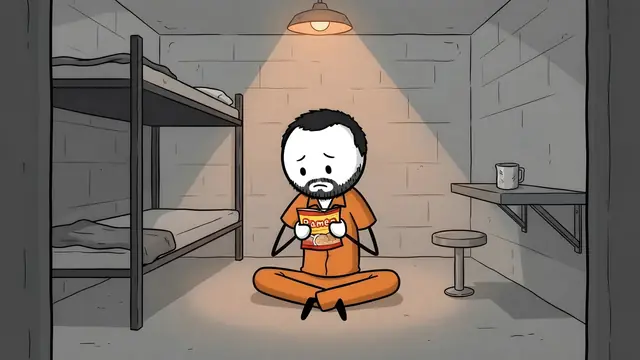
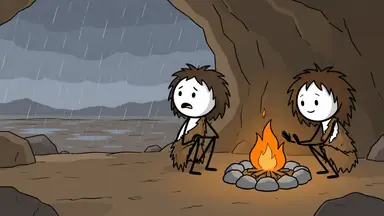
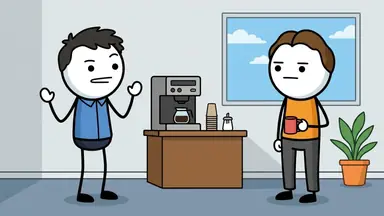
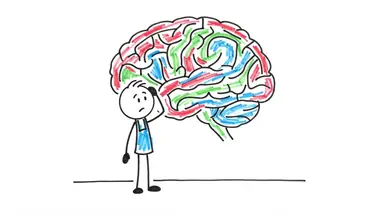
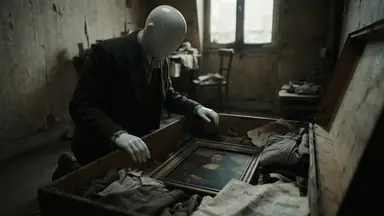
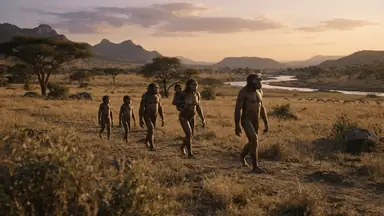
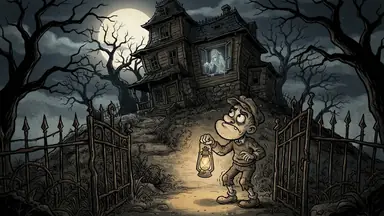
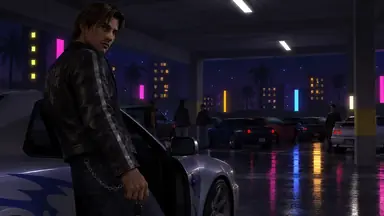
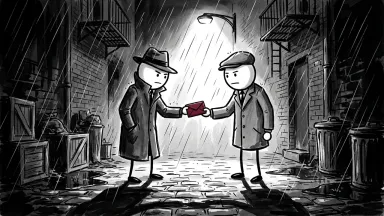
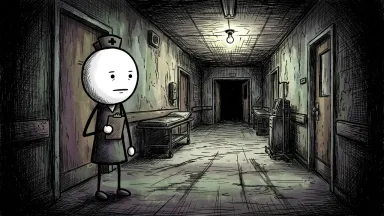
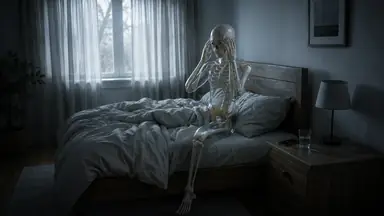
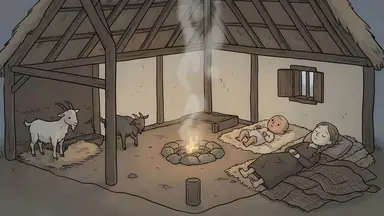
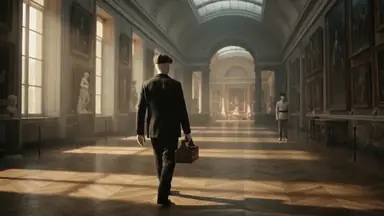
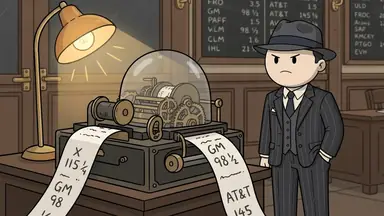
"How Pablo Escobar built his empire", Mannequin 3D, 0:31. "What if you drank seawater instead of fresh water?", Skeleton POV, 0:27. "POV: daily life as Al Capone", Vintage Toon, 0:28.
A channel that posts itself
Set it up once: a niche, a look, a list of ideas and the days and hour to post.
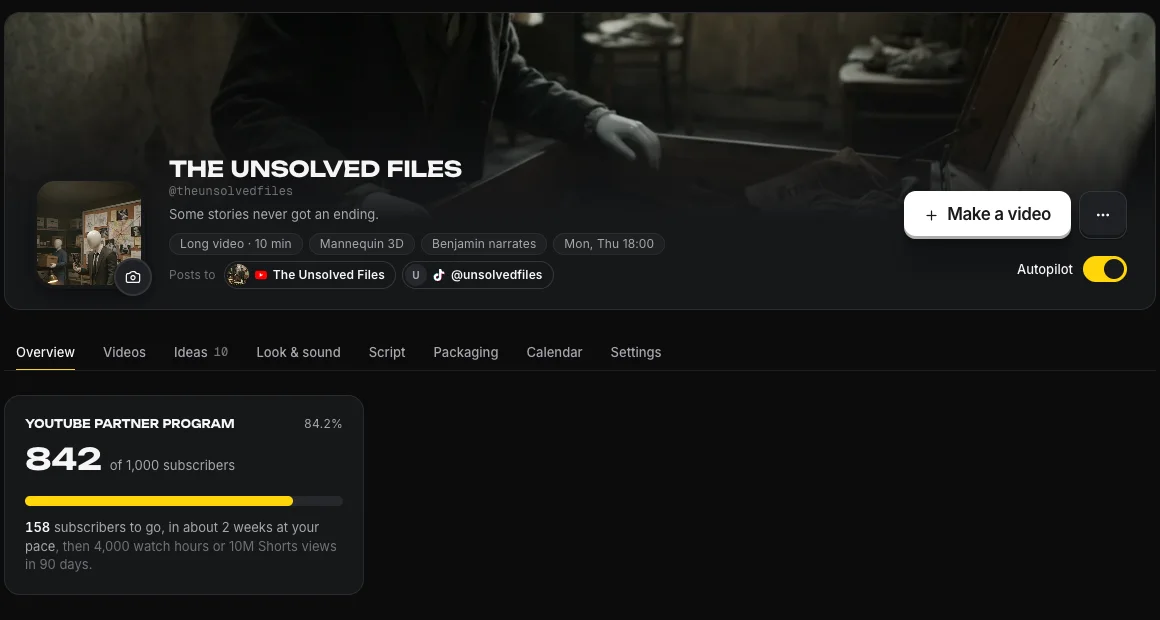
- Connect TikTok. You sign in to TikTok and allow ClipFlux to post; it posts through TikTok's official Content Posting API.
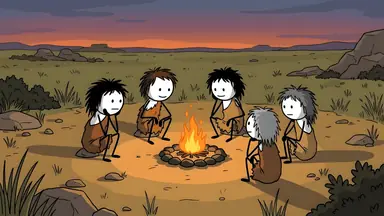
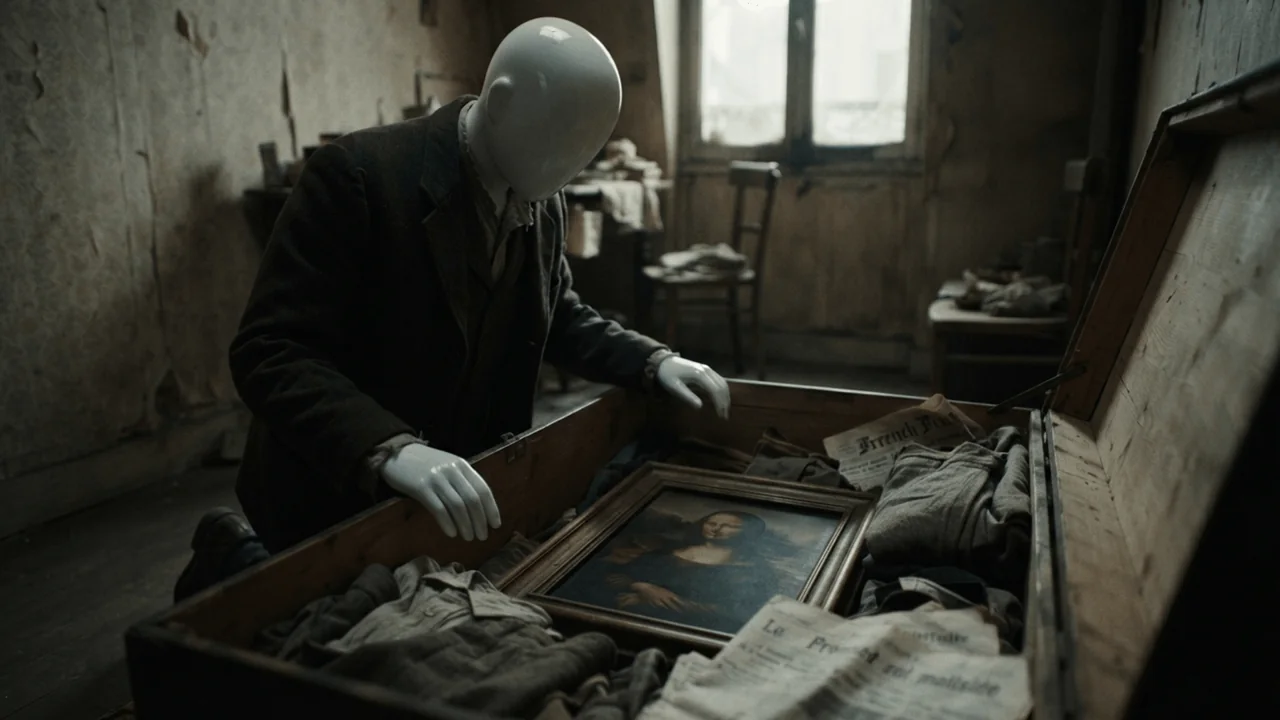
- Pick one niche and one look. True crime in Mannequin 3D, "what if" in Skeleton POV, scary stories in Creepy Stickman. A recognisable format is what makes people follow.
- Load ideas. Paste a list, or let the Channel write the next ones from its description.
- Set the days and hour. Each Channel posts at most once a day; it writes the caption and up to five hashtags.
- Review at first. Have each script wait for your OK before the video is made, and turn that off once you trust the output.
Looks that work on TikTok
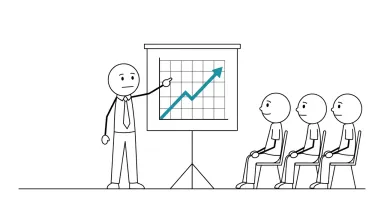
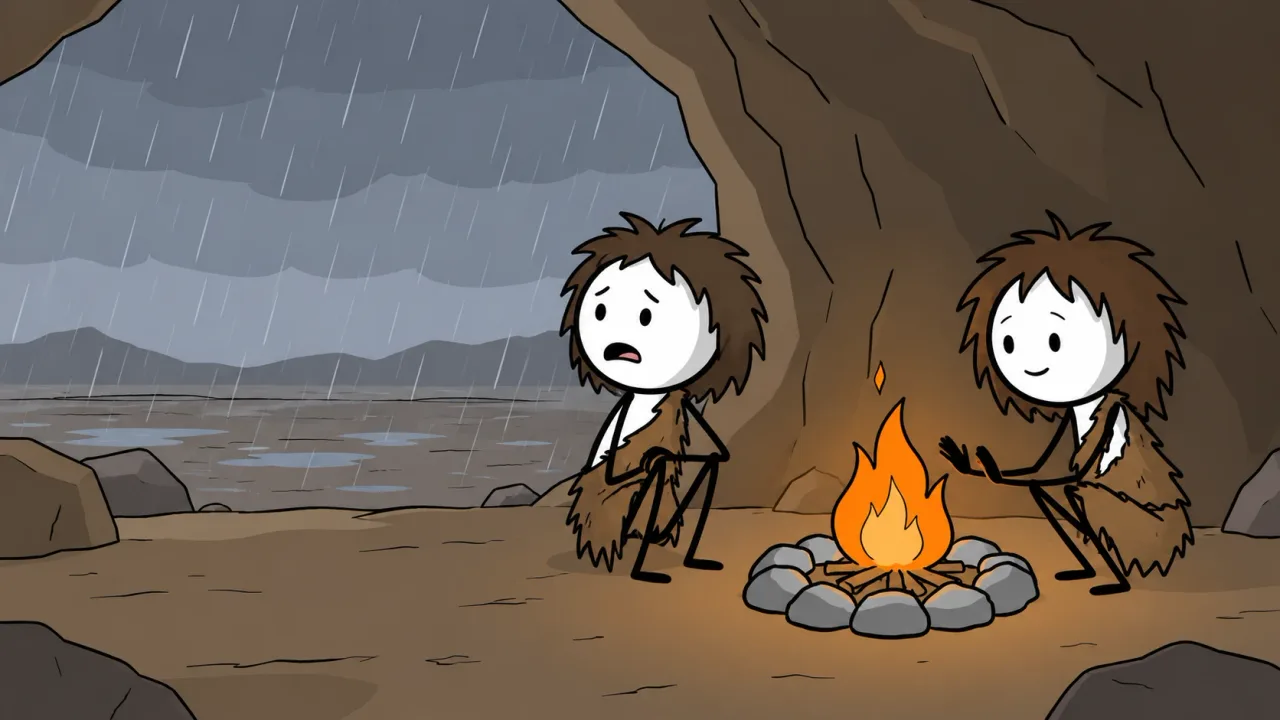
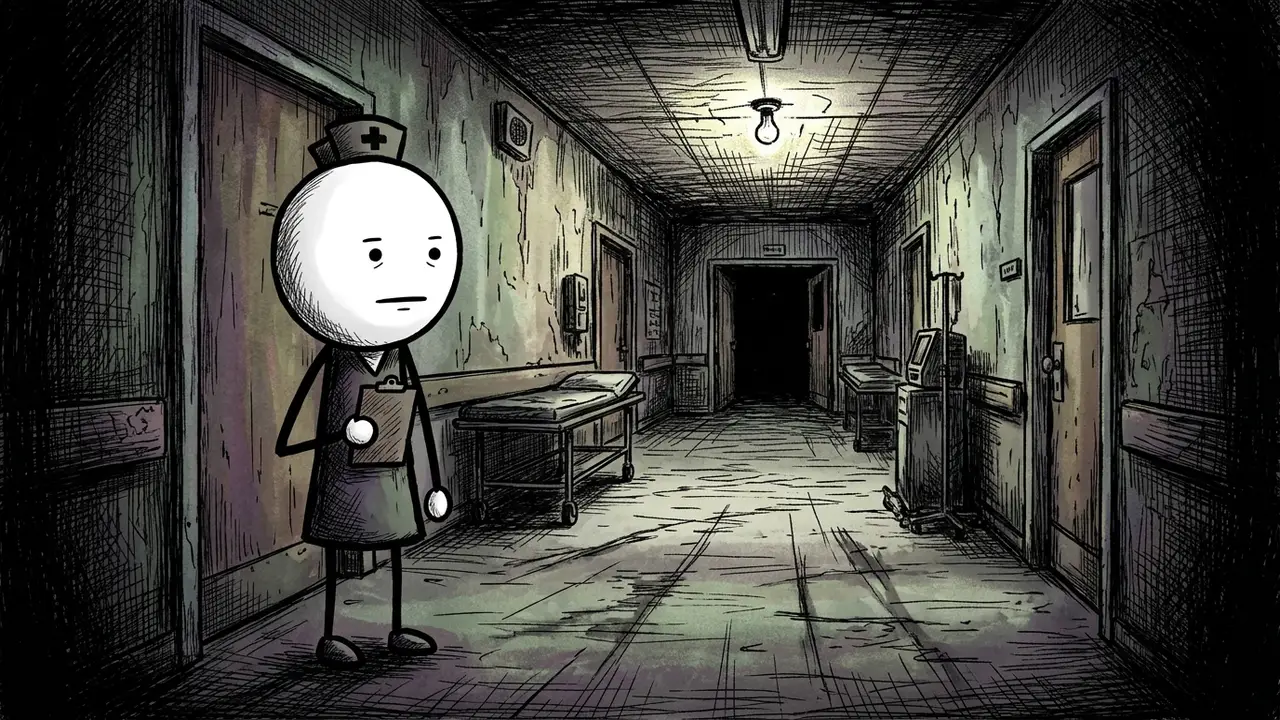
Every scene is drawn in the look you pick, so a feed of your videos reads as one series.

What you get
- Format
- Vertical 9:16 Shorts of about a minute, with narration and captions
- Posting
- To TikTok through its official API, and to YouTube Shorts, on your days and hour
- Pace
- At most one post a day per Channel; 1 Channel on Starter, 2 on Pro, 5 on Studio
- Topics
- From your ideas list, or written from the channel description
- Captions
- A caption and up to five hashtags, written by AI, or your own
- Price
- About 30 credits a Short with still pictures, 115 with moving clips; plans from $29 (Pro $79, Studio $179) a month
- Review
- Optional: each script waits for your OK before the video is made
Automation without getting flagged
TikTok does not punish automation; it punishes spam. Accounts get into trouble for repetitive, misleading or stolen content, and for posting through unofficial tools that fake a phone. ClipFlux posts through TikTok's own API with your permission, every video is made new from its own topic, and you can review every scene and send back the ones that miss. Label AI-generated content where TikTok asks you to. The full walk-through is in How to automate TikTok videos with AI.
Questions about TikTok automation
Is there an AI that makes TikToks and posts them for you?
Yes. A ClipFlux Channel picks the next topic from your ideas list or from the channel description, makes a faceless vertical video with narration and captions, writes the TikTok caption and hashtags, and posts it to your TikTok account on the days and hour you set, through TikTok's official posting API.
How do I automate faceless TikToks?
Connect your TikTok account, create a Channel with one niche and one look, add a list of ideas (or let it write them from the channel description), and set the posting days and hour. Keep a review step at first: each script can wait for your OK before the video is made.
How many TikToks can it post?
Each Channel posts at most once a day. Starter runs 1 Channel, Pro 2 and Studio 5. In credits, Starter covers 7 Shorts a week with still pictures, Studio 7 Shorts a day.
How much does an automated TikTok cost?
About 30 credits for a Short with still pictures, 115 with moving clips and 235 with premium motion. Plans start at $29 a month for 1,000 credits.
Will automated posting get my TikTok account banned?
ClipFlux posts through TikTok's official Content Posting API with your permission, not a bot that taps on a phone. What gets accounts in trouble is the content: spammy, repetitive or misleading videos. Pick a niche with a real angle, review what goes out, and label AI-generated content where TikTok asks.
Can it post the same video to YouTube Shorts too?
Yes. A Channel can post each video to TikTok and YouTube Shorts together. A Channel can also make long 16:9 YouTube videos instead of Shorts.
Set it up once.
Preview your first video free, then start with 150 credits for $5, one payment. Plans post on a schedule.
Start a TikTok channel