

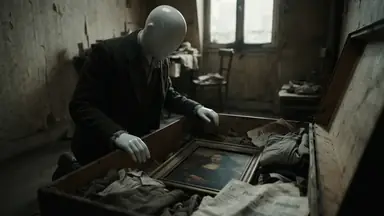


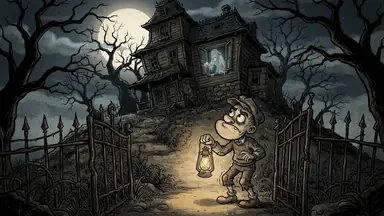


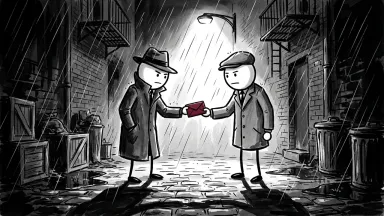

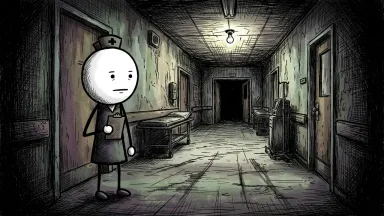


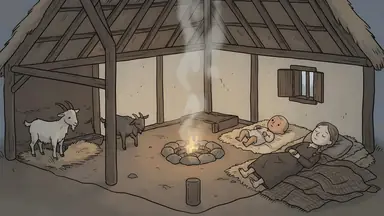

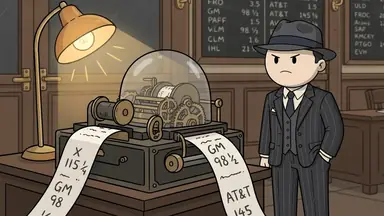

Connect ClipFlux to ChatGPT or Claude and make faceless YouTube videos and Shorts by asking for them in the chat. The assistant drafts the script with you, makes the video when you are happy with it, changes it, exports it and can post it to your YouTube channel. A ClipFlux card in the chat shows the script, the pictures and the finished video as they come in.
ClipFlux in ChatGPT and Claude
- Works in
- ChatGPT and Claude, on the web and in their apps
- Server
- https://mcp.clipflux.ai/mcp
- Sign-in
- Your ClipFlux account, on clipflux.ai. The assistant never sees your password
- Costs
- The credits on your ClipFlux plan. The assistant shows the price and asks before spending
- Posting
- To YouTube channels you have linked on ClipFlux
- Help
- support@clipflux.ai
Connect it
ChatGPT: find ClipFlux in ChatGPT's plugin directory and connect it. You can also add it yourself as a custom app with the server address above (ChatGPT asks you to turn on developer mode for that).
Claude: find ClipFlux in Claude's connector directory, or go to Settings, Connectors, add a custom connector and paste the server address above.
Either way you sign in to ClipFlux on clipflux.ai and allow the connection. If you have no account yet, you can make one on the same page.
What you can ask for
- A video from an idea or a script. A vertical Short or a long YouTube video in chapters, in the look and with the narrator you pick.
- Changes to the script. The draft shows every scene's line before anything is drawn. Ask for any line to be rewritten, added or removed.
- The video itself. When the script is right, ask the assistant to make it. It takes a few minutes for a Short.
- Changes to a finished video. Captions, music, cutting or moving scenes, or a new picture or line for one scene.
- The file and the post. Export it as an MP4, and post it to a linked YouTube channel now or at a set time. The assistant shows the post and asks before it goes out.
- Your own looks. Describe a look and ClipFlux designs it for you to save and reuse.
What it costs
Everything uses the credits on your ClipFlux plan, the same as on the site. Nothing is bought inside the chat.
- Writing the script of a draft uses a few credits (about 2 to 3).
- Making the video uses the most. The assistant tells you the price and asks before it starts.
- Redoing one scene's picture or line uses a few credits.
- Captions, music and cuts on a finished video, exporting and posting are free.
- A free account gets one free preview, and its exports carry a small ClipFlux mark, as on the site.
What the assistant sees
ClipFlux only receives what the assistant sends to do what you asked, such as a topic, a script or an edit. We do not receive your other chats or the assistant's memory. The details are in section 7 of our privacy policy.
Disconnect
On ClipFlux, open Settings, Connected apps, and choose Disconnect next to the assistant. You can also remove ClipFlux in the assistant's own settings. Your videos stay in your ClipFlux account either way.
Help
Something not working, or a video that came out wrong? Email support@clipflux.ai with what you asked for and, if you have it, the video's link.